ActiveQ features

ActiveQ is a ticketing desk for internal IT teams and managed service providers, built around a live queue, SLA countdowns and portals for clients or employees. A knowledge base, reports and AI assist come with it, and the price depends only on how many agents you have.

Start 14-day trialSee pricingNo card required. Sign-up is for US businesses.

The feature pages
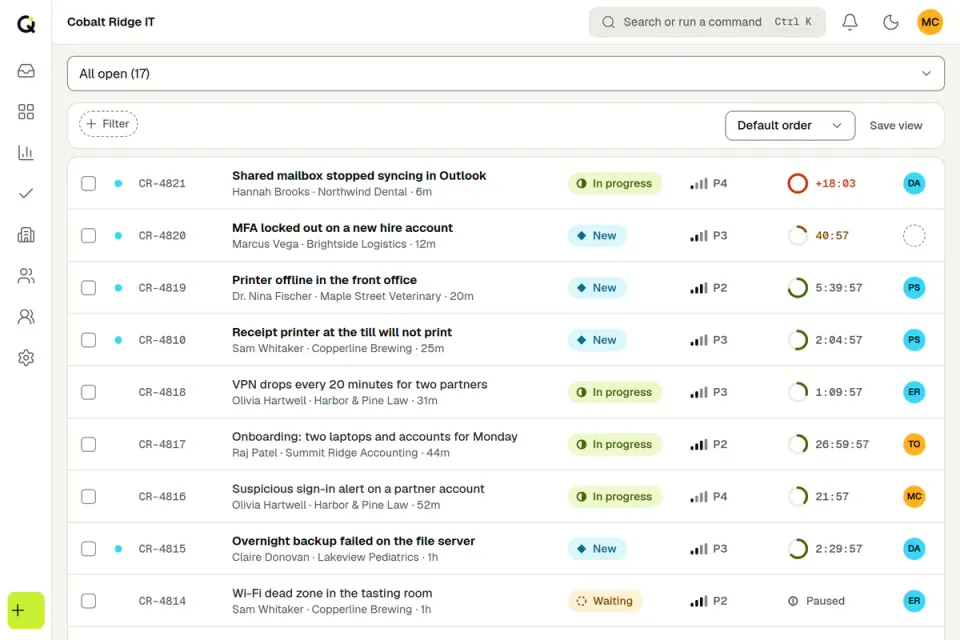
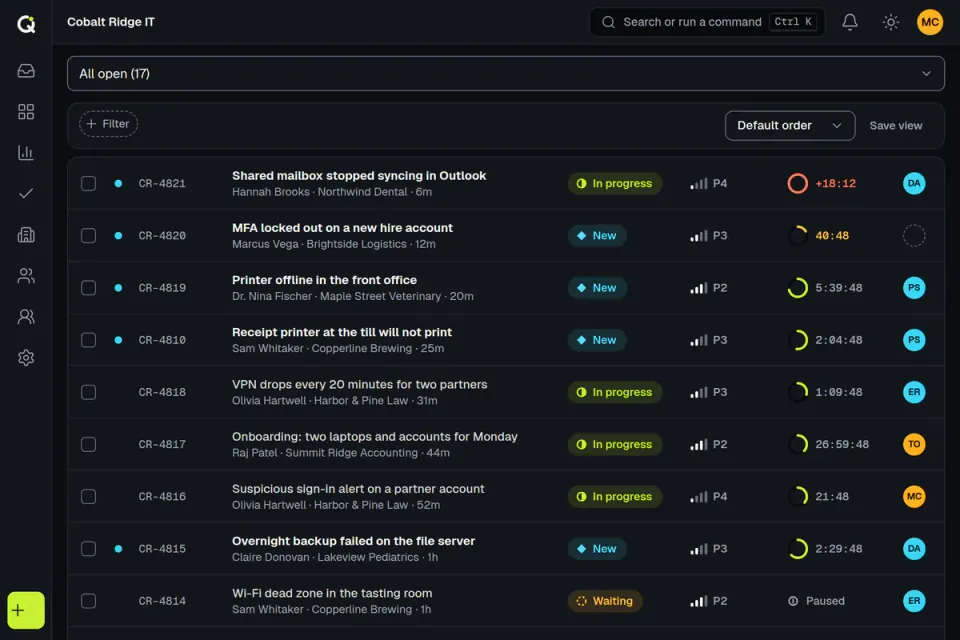
  • The ActiveQ queue for a fictional IT provider, Cobalt Ridge IT: open tickets with subject, requester, status, priority, an SLA countdown ring and the assignee. Sample data.The ActiveQ queue for a fictional IT provider, Cobalt Ridge IT: open tickets with subject, requester, status, priority, an SLA countdown ring and the assignee. Sample data.

    SLA management

    Set response and resolution times by priority, count only business hours and holidays, and pause the clock while you wait on the customer. Every ticket shows a live countdown.
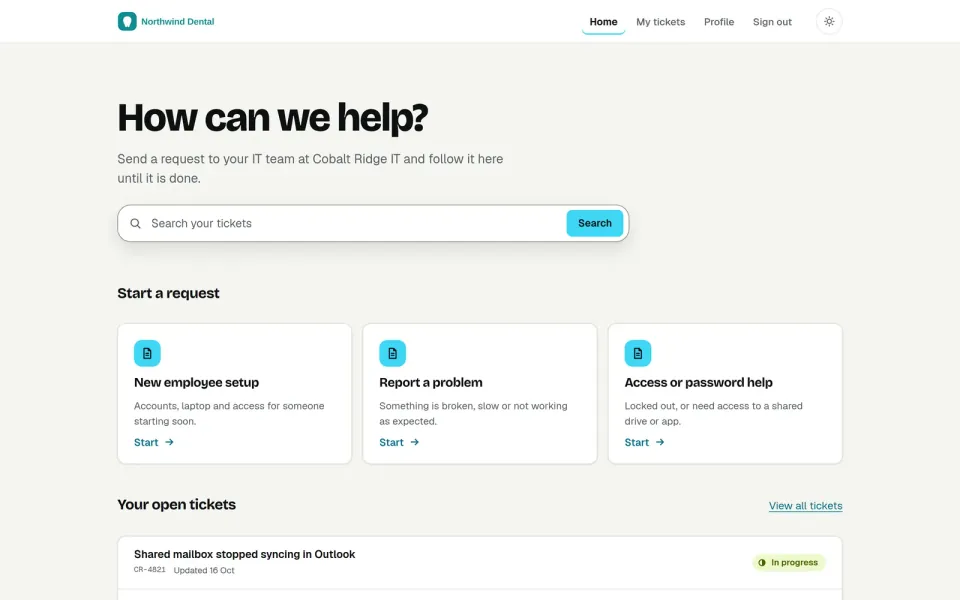
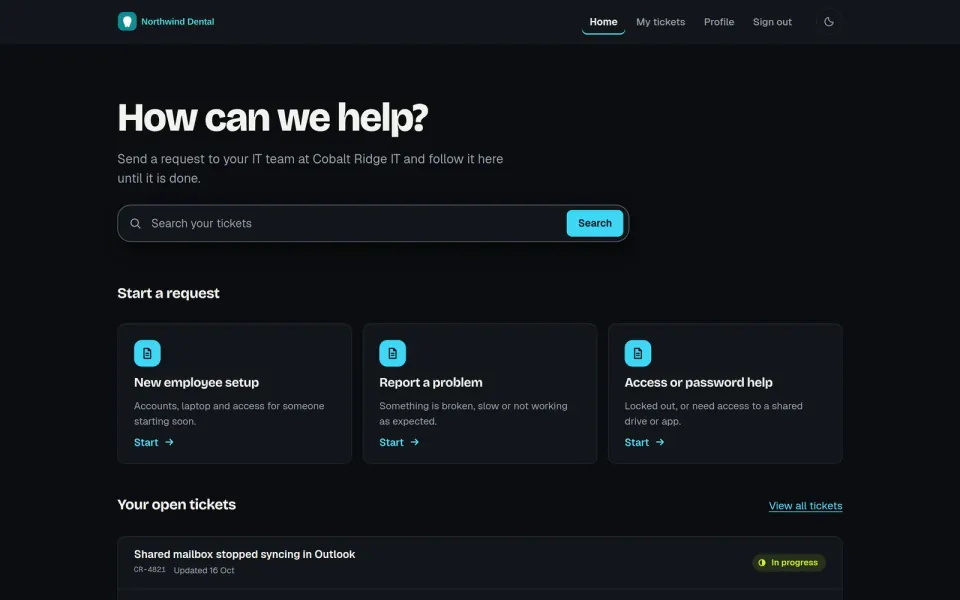
  • A client portal in the colors of a fictional client, Northwind Dental: a search box, request types to start from and the first of its open tickets with their status. Sample data.A client portal in the colors of a fictional client, Northwind Dental: a search box, request types to start from and the first of its open tickets with their status. Sample data.

    Client and employee portals

    Each client or team gets a help portal with its own branding, ticket form, wording and sign-in method, and requesters can follow progress without asking.
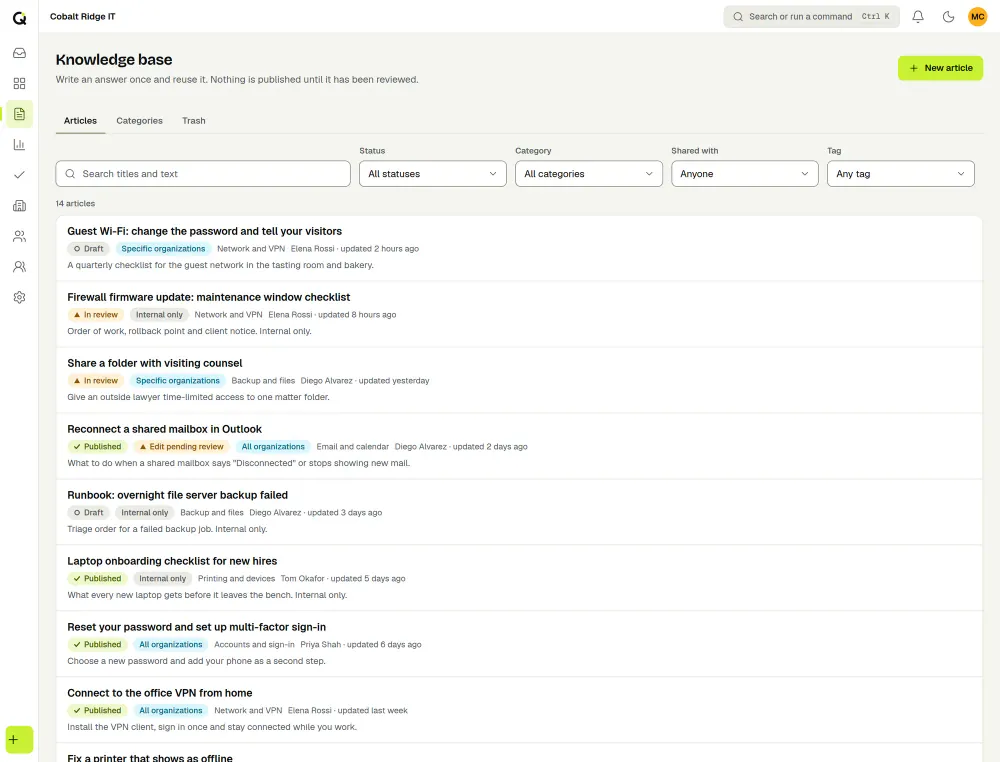
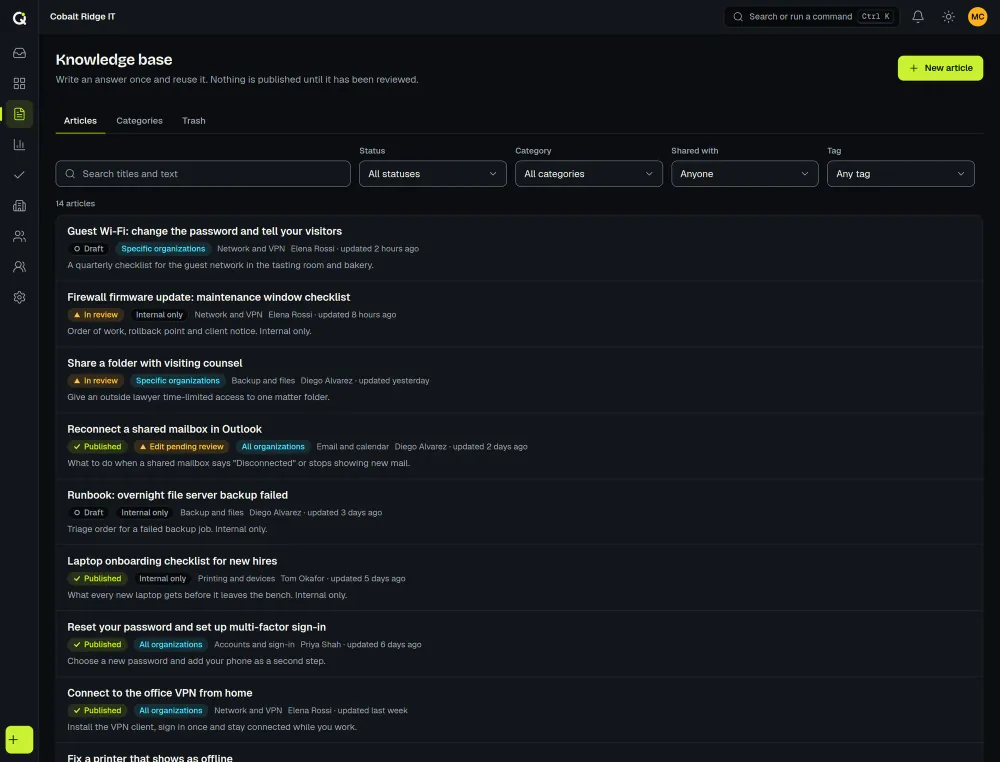
  • The ActiveQ knowledge base article list: each article with a Draft, In review or Published chip, who can read it, its category and its author, above filters for status, category, audience and tag. Sample data.The ActiveQ knowledge base article list: each article with a Draft, In review or Published chip, who can read it, its category and its author, above filters for status, category, audience and tag. Sample data.

    Knowledge base

    Write help articles and review them before they go live. Each one is for staff, for all organizations or for chosen organizations, and nothing is shared between workspaces.
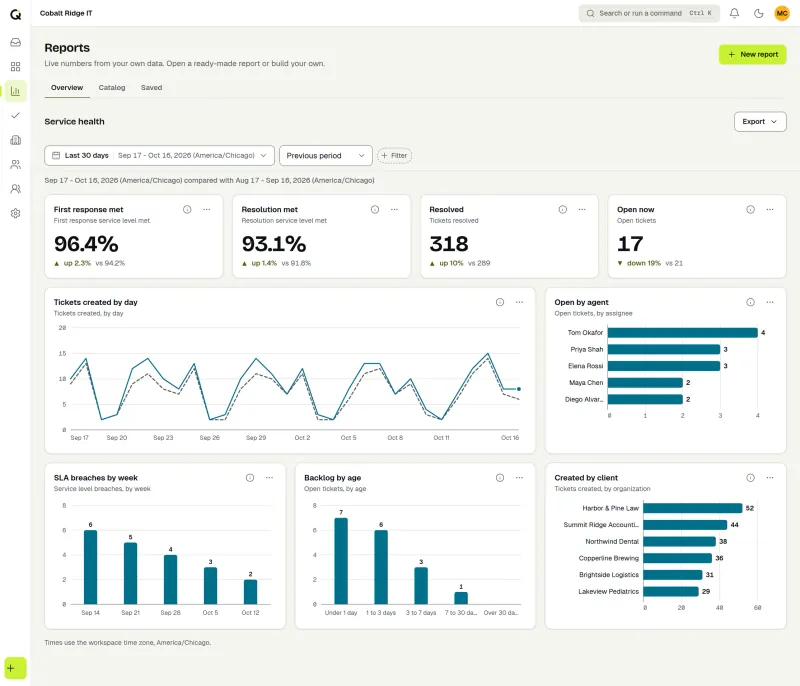
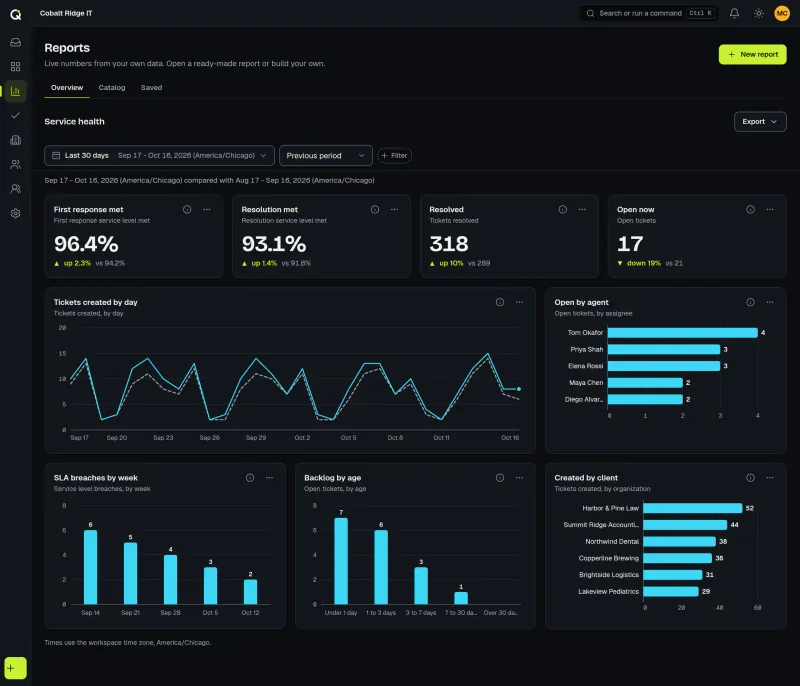
  • The Reports overview for a fictional IT provider: SLA met, tickets resolved and open now with changes against the last period, tickets created by day, open tickets by agent and SLA breaches by week. Sample data.The Reports overview for a fictional IT provider: SLA met, tickets resolved and open now with changes against the last period, tickets created by day, open tickets by agent and SLA breaches by week. Sample data.

    Reports and dashboards

    There are 19 ready-made reports and a builder with 30 metrics. Save a report, share it with your workspace, or export it as a PNG graphic, a PDF or a CSV file.
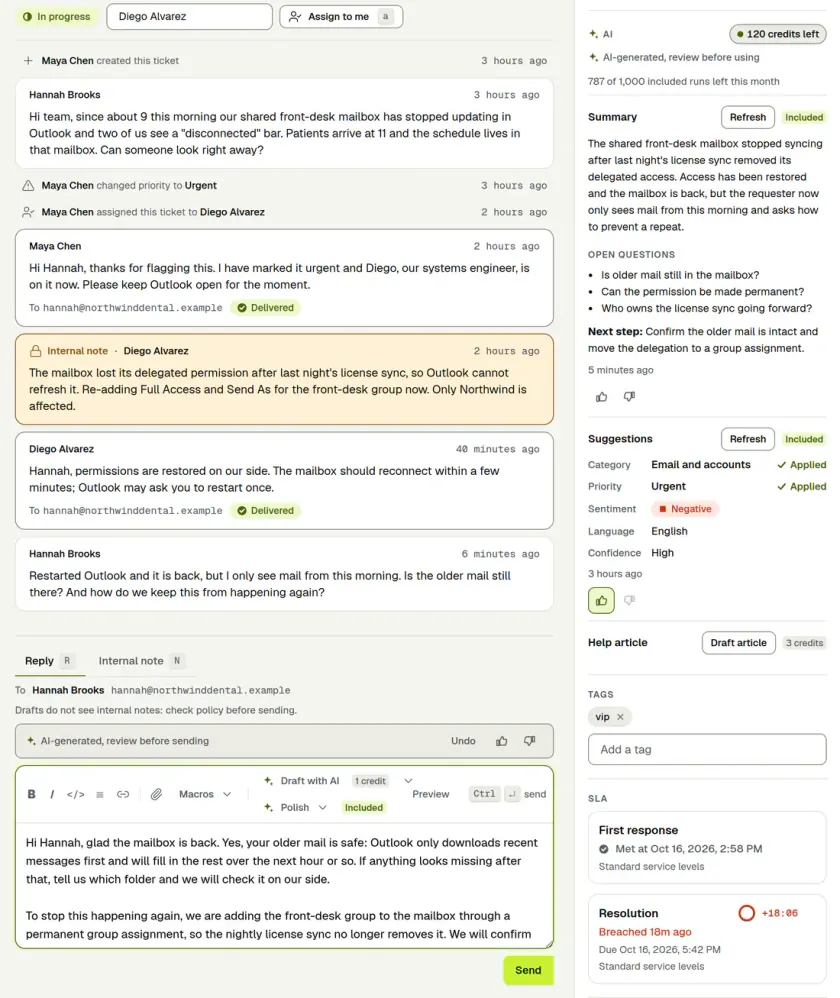
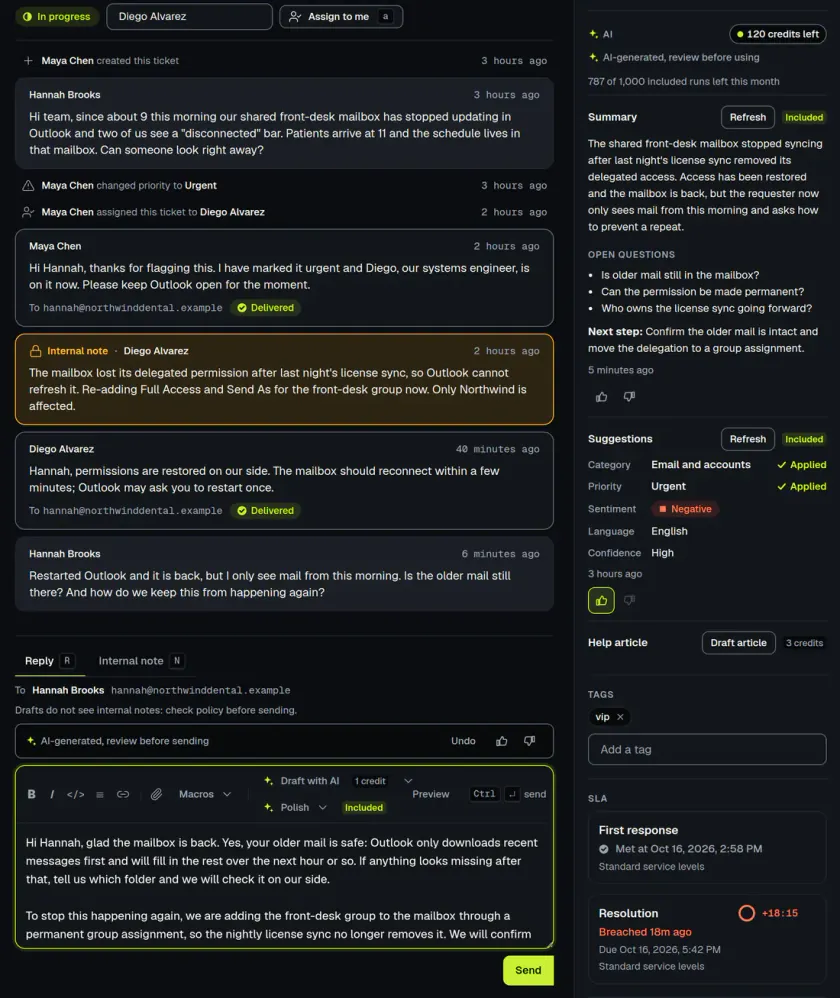
  • AI assist in a ticket: an AI-generated reply draft marked review before sending, an AI summary with open questions, suggested category and priority, and SLA clocks. Sample data.AI assist in a ticket: an AI-generated reply draft marked review before sending, an AI summary with open questions, suggested category and priority, and SLA clocks. Sample data.

    AI assist

    Draft a reply, summarize a long thread or get a triage suggestion, but only when a staff member clicks. A person reviews every result before it is used.

Illustrative sample data. Not real customers or results.

The desk underneath

All five sit on the ticketing desk itself: a live queue with saved views, internal notes, macros, ticket merging, automations and approvals. Presence on every ticket shows who else is viewing it or typing a reply, and you get a warning if a new reply arrives while you write. You can follow one ticket through the desk in the product tour on the home page. Other systems can read, write and react through the API and signed webhooks.

Who uses it

An internal IT team can run an employee portal and light ITSM in one workspace. An MSP can run every client from the same workspace, with a portal, SLA targets and wording per client. Read more on the pages for internal IT and MSPs, or see the pricing page for the flat price per group of agents.

Last updated

Try ActiveQ with your own team

Every plan starts with a 14-day trial with all features and no card required. Pricing is flat per group of agents. Sign-up and billing are for US businesses.