Internal IT help desk software
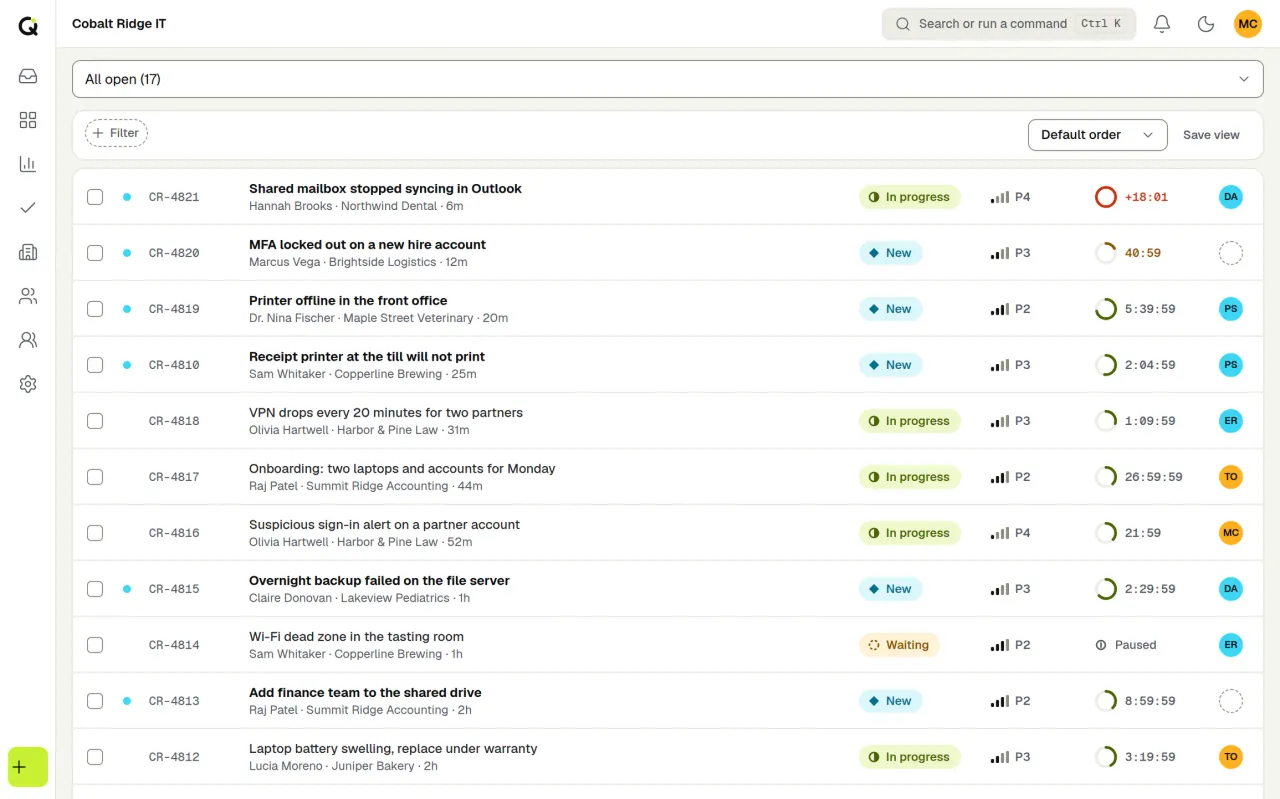
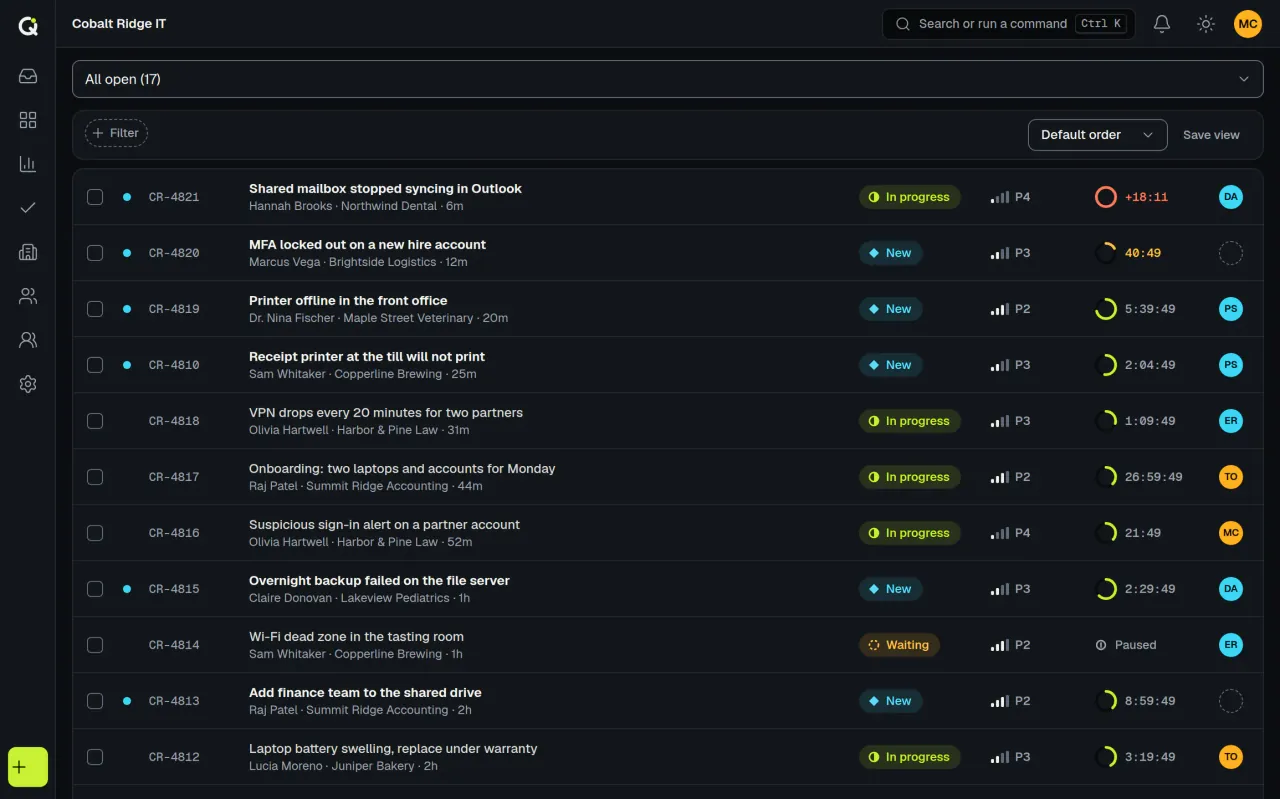
Employees ask for help in one place, and your IT team works from a live queue that shows which tickets are about to miss their SLA. One workspace can run employee support, client support, or both, for a flat monthly price per group of agents.
Start 14-day trialSee pricingNo card required. Sign-up is for US businesses.
Where employees go for help
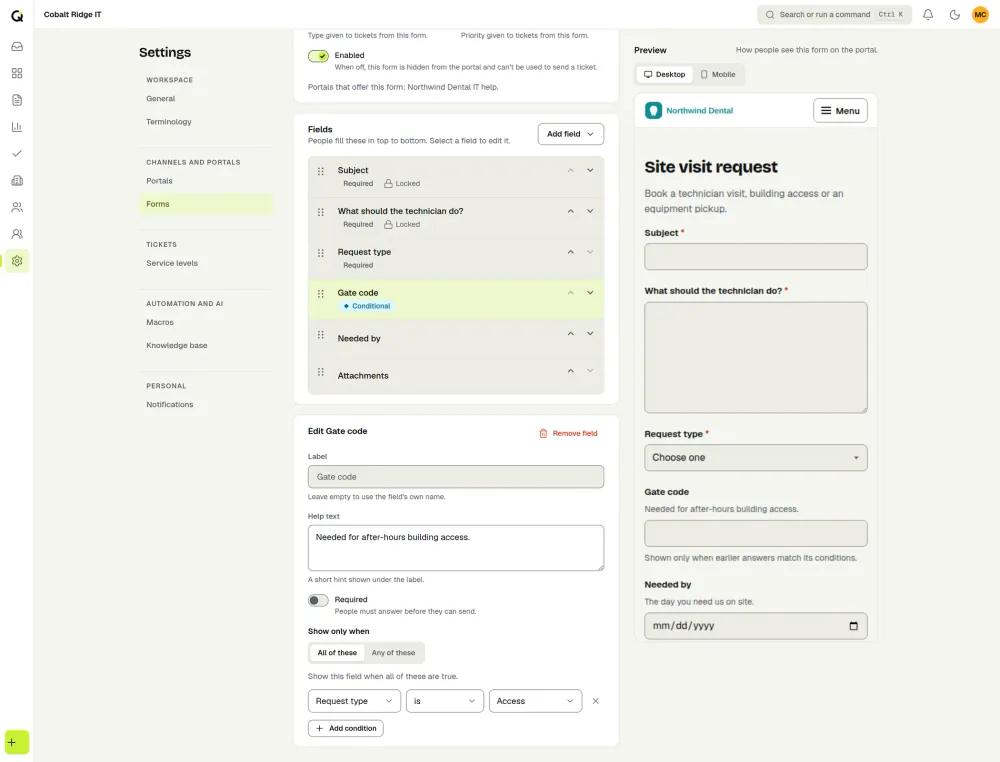
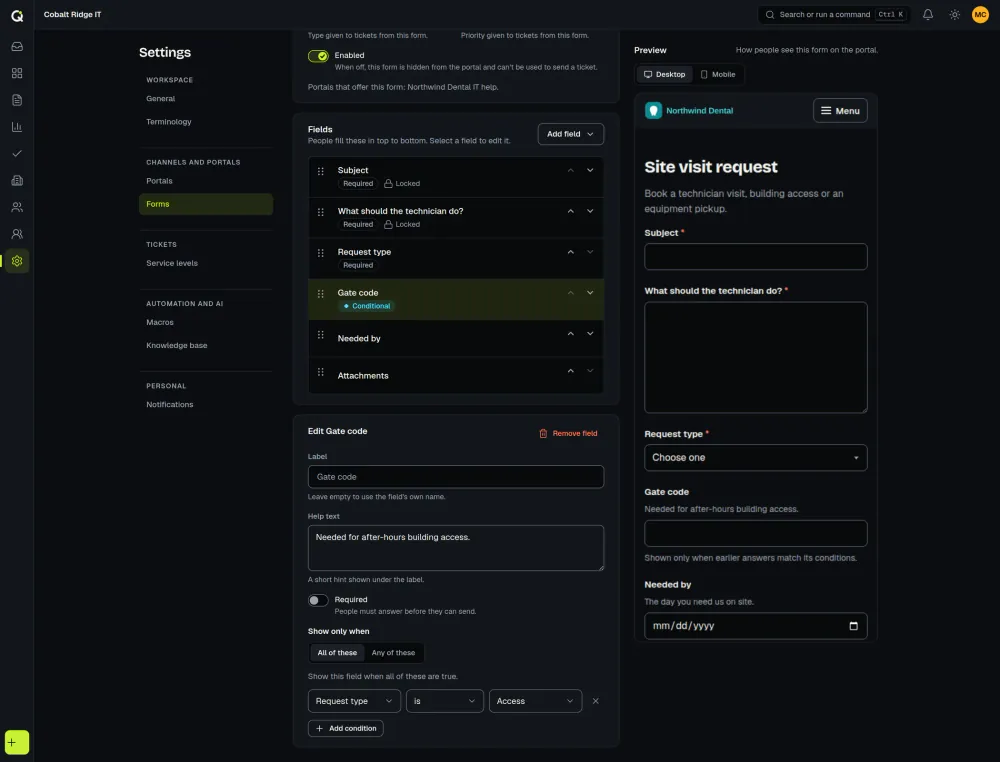
Build request forms for hardware, software and access, with conditions that show the right questions, and publish them in an employee portal (see portals). Employees sign in, read the whole conversation, reply, attach files, reopen a request and check the status of anything open or closed, so they don’t have to ask you. Pick the sign-in method: open, verified email code, magic link, password or invite only.
Email works too. Mail sent to a support address becomes a ticket, and replies thread back into it. Emails to the requester can include a link to a read-only view of the conversation. If you write articles for your team or for signed-in employees, agents see suggestions on a ticket and employees see them while they describe a request. That’s the knowledge base.
A queue that shows what is about to go late
The live queue has saved views such as unassigned, waiting and SLA at risk, and a board view. Every ticket carries a countdown to its response and resolution targets, and the clock can pause in statuses you choose, such as waiting on the requester. SLA management covers the details.
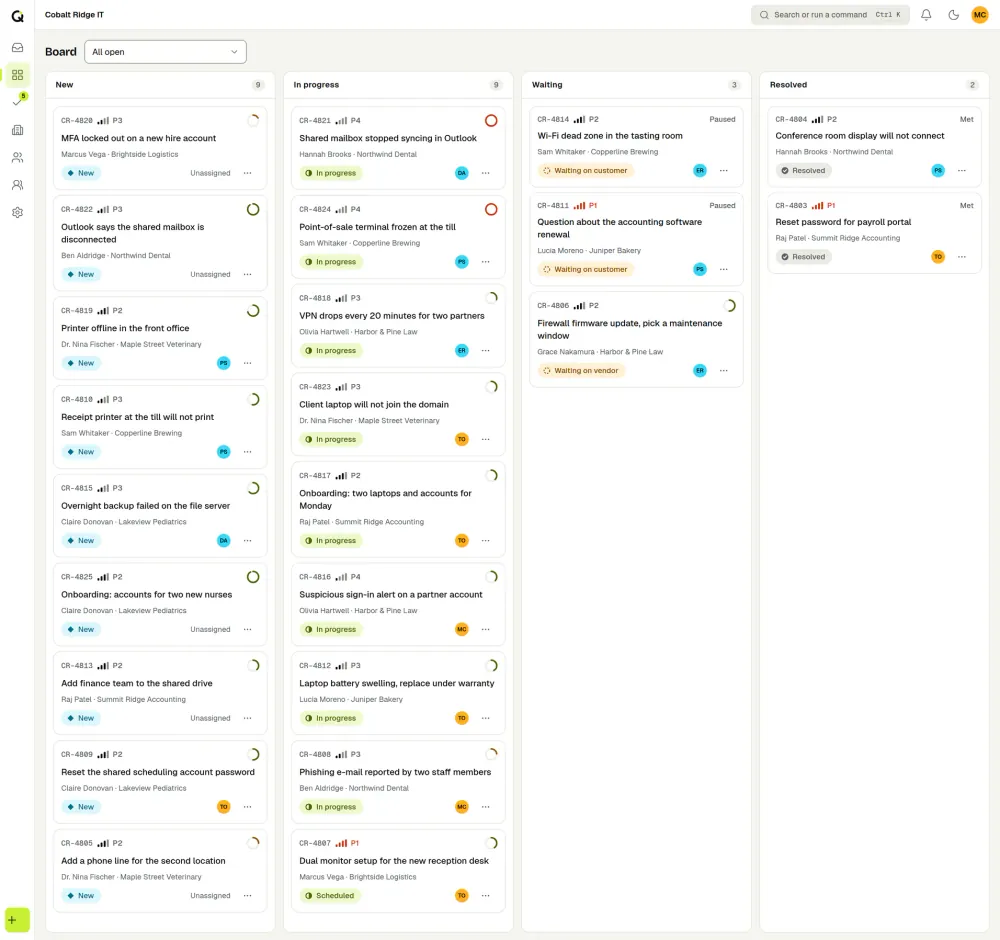
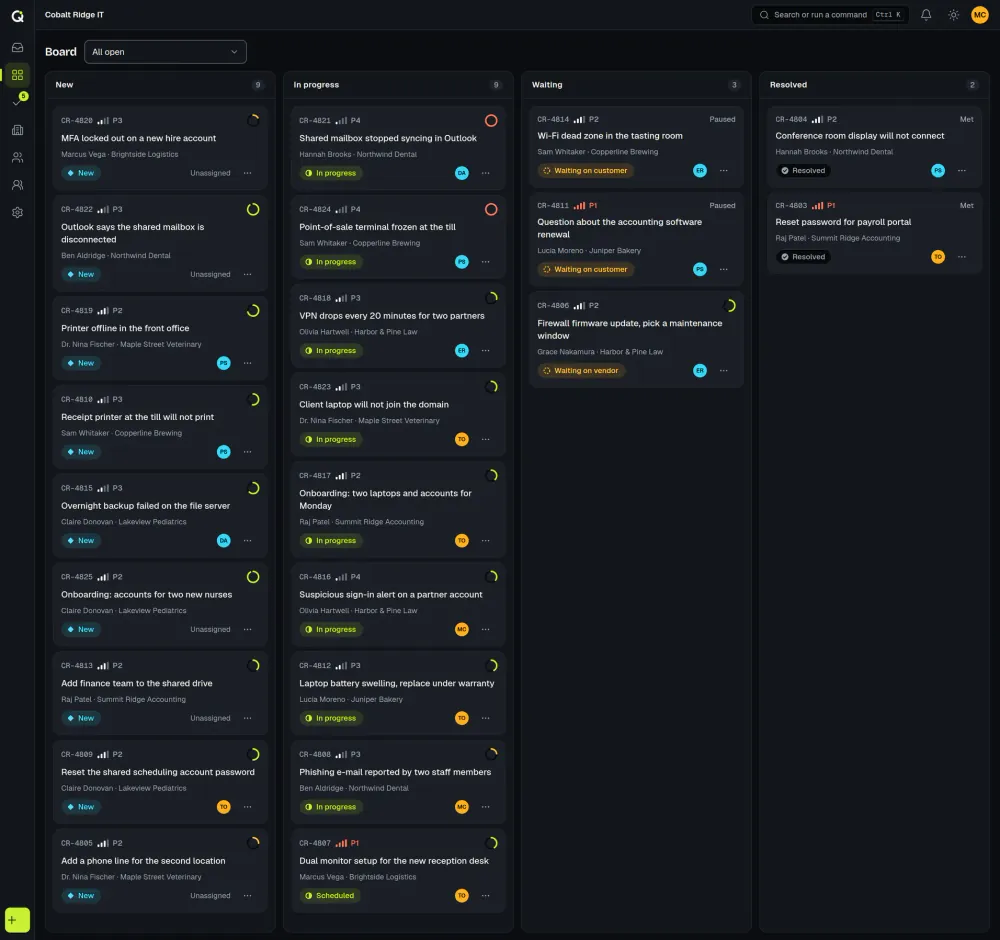
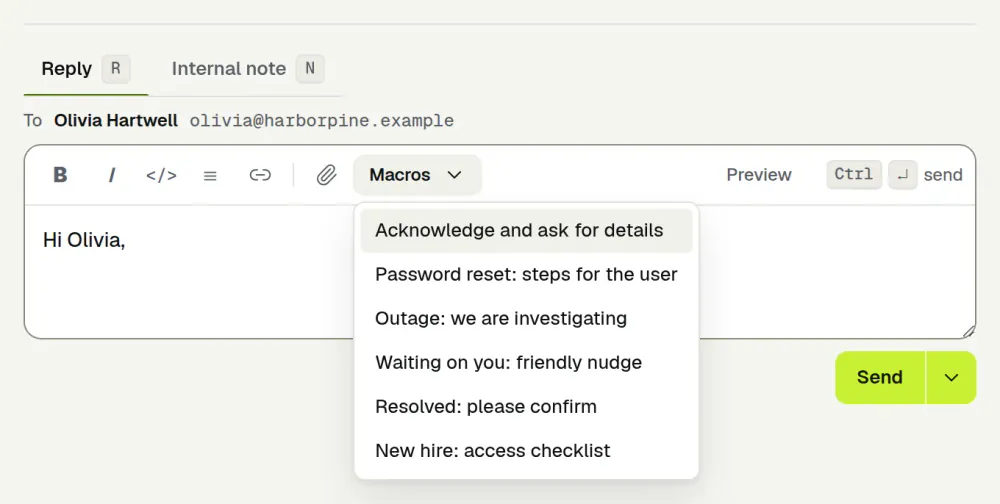
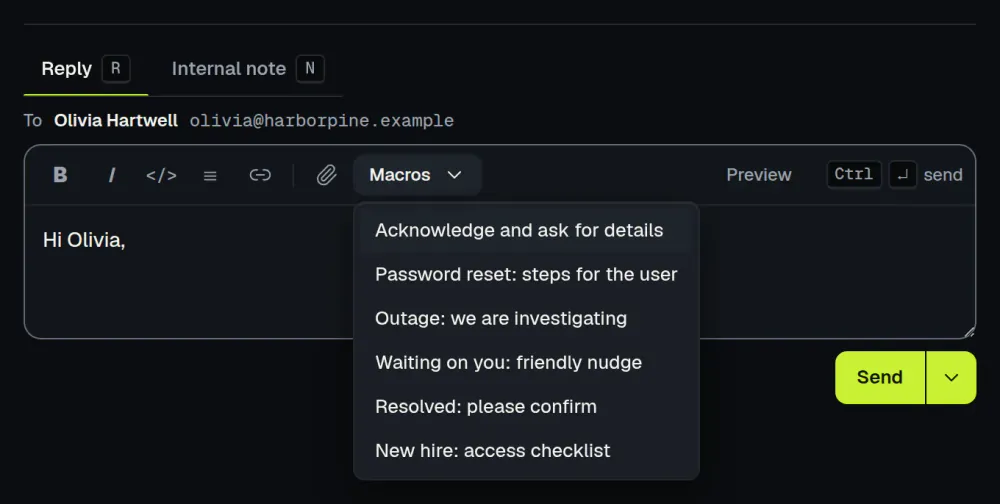
A ticket shows who else has it open and who is typing a reply, with a warning if a new reply arrives while you write. Macros and internal notes speed up the daily work, teams can share new tickets by round robin, and automations act on events such as a new ticket or an SLA warning.
For IT leadership, Reports covers SLA performance, backlog health, workload by technician and satisfaction, with a PDF or image export for the weekly meeting.
Light ITSM
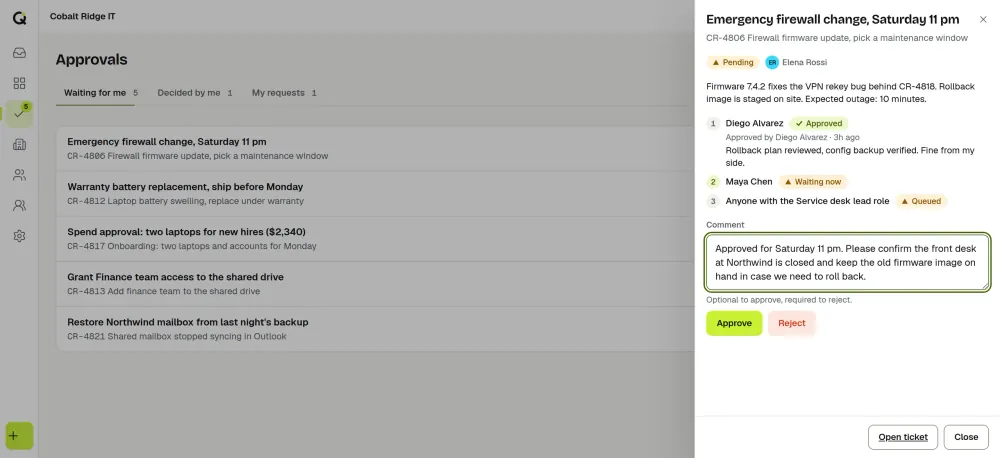
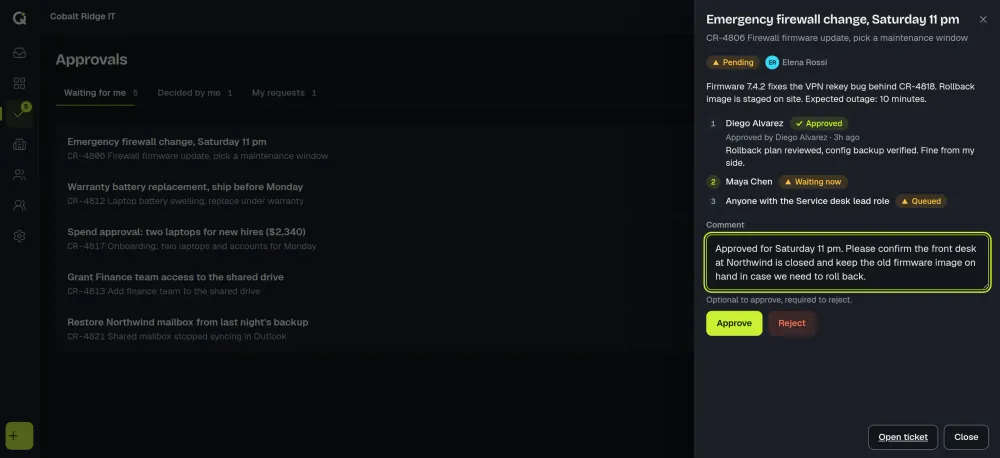
ActiveQ handles incidents, requests, approvals and tasks. Problem and change are ticket types that you link to other tickets. Approvals for hardware, access and changes can run through a chain of approvers, each leaving a decision and a comment.
Set it up your way
Rename tickets to requests, cases or work orders, and set your own statuses, categories and custom fields. A guided setup walks through wording, workflow, hours, email and the first portal, and it can load sample data that you remove later. You can import contacts and organizations from a CSV. Custom roles decide what each technician can do, and an audit log records changes to tickets and settings.
AI assist and the API
A technician can trigger AI assist to summarize a long thread, suggest a category and priority, draft a reply or translate a message. It never runs on its own, and a person reviews every result. The API and webhooks connect ActiveQ to your other systems.
Pricing
You pay for the people who work tickets: $79.99 a month for 1 to 3 agents, $149.99 for 4 to 8, and $19.99 for each agent above 8. Employees who submit requests are free. The pricing page has examples and the details of the 14-day trial.
Guides and comparisons for IT teams
- Choosing a ticketing system for a small IT team: a checklist, and what to skip.
- Ticket triage: a two-minute routine for sorting new requests.
- How to write a first-response SLA for employee requests.
- Email-to-ticket: how to forward an IT support address into the desk.
- Help desk metrics to track with a queue view and a spreadsheet, or let Reports calculate them.
- Supporting outside customers instead? See the pages for property management, field and home services and professional services.
- Comparing tools? Read how ActiveQ differs from Jira Service Management and Freshdesk, or see all comparisons.