Work order software for property managers
ActiveQ turns the texts, voicemails and sticky notes of a property team’s maintenance inbox into one live queue of work orders. Residents send requests from a portal and see their status, technicians claim and close them with a note, and residents cost nothing.
Start 14-day trialSee pricingNo card required. Sign-up is for US businesses.
- Urgent3B1
- In progress2A, 1F2
- Waiting on resident3D, 1B2
- New4C, 2E2
- Resolved4F1
A building full of requests and no single list
Maintenance requests reach a property team from every direction. A resident texts the manager, another leaves a voicemail at the office, a third emails the leasing address, and the porter mentions a dripping ceiling in the stairwell. Someone writes them on a whiteboard. By Thursday nobody can say whether 4C’s dishwasher was already looked at and the resident rings the office to ask, so the afternoon goes to chasing updates.
What costs you is the unit-by-unit uncertainty: which request is a flood and which can wait for next week, who has it, and what to tell the person standing in your doorway. A shared inbox can’t answer those, and neither can a spreadsheet that only one person edits.
How it maps to a property team
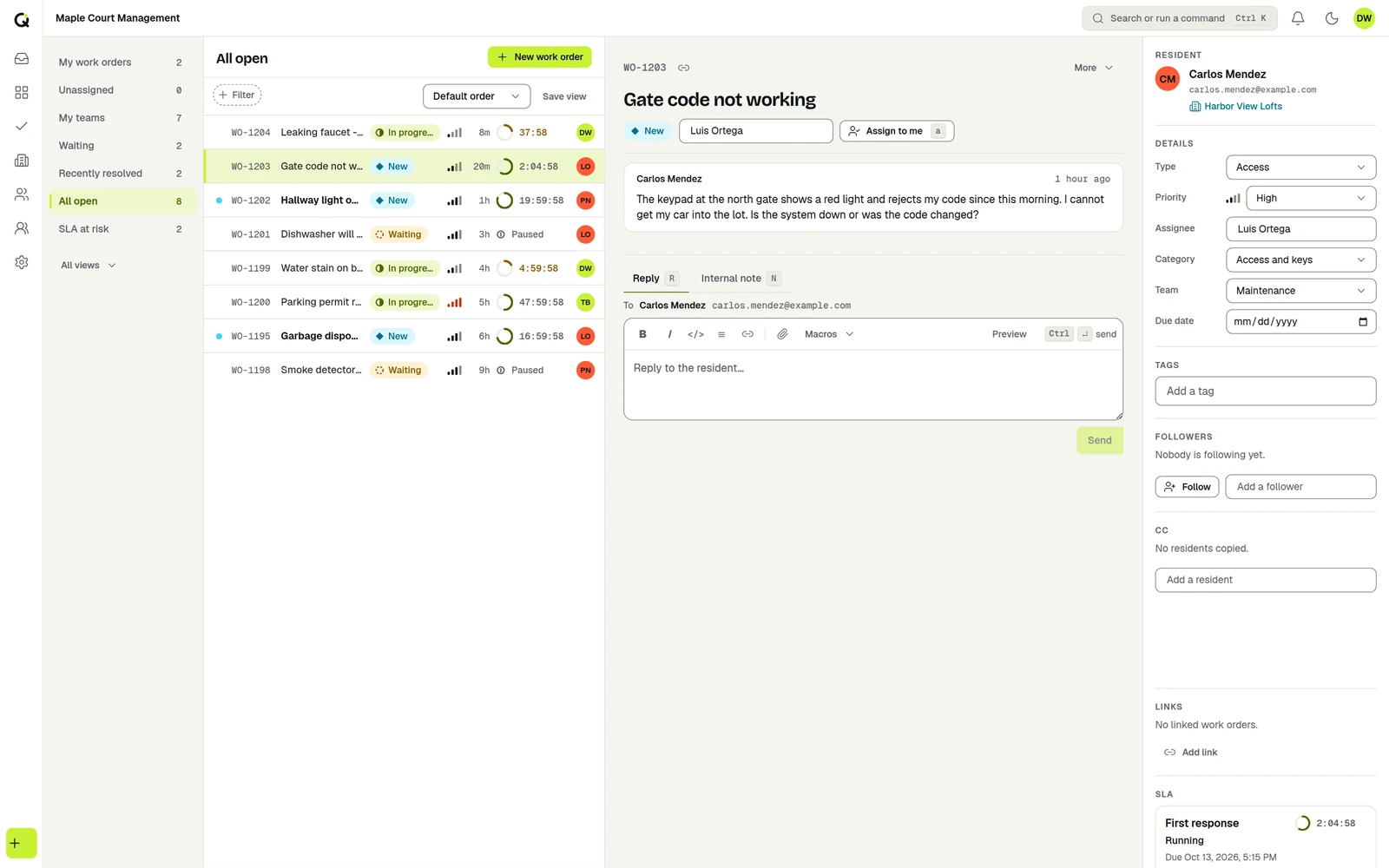
Switch the workspace wording to the Field work preset and every screen, email and portal page says “work order” and “technician” instead of “ticket” and “agent”; you can edit the words further, for one property or the whole workspace. Each building or community can be its own organization with its own residents, portal, branding and service targets, and residents are contacts, which are free. The queue then does the job of the office whiteboard without going stale: new work orders appear live, grouped by urgency, with saved views such as unassigned, waiting and SLA at risk.
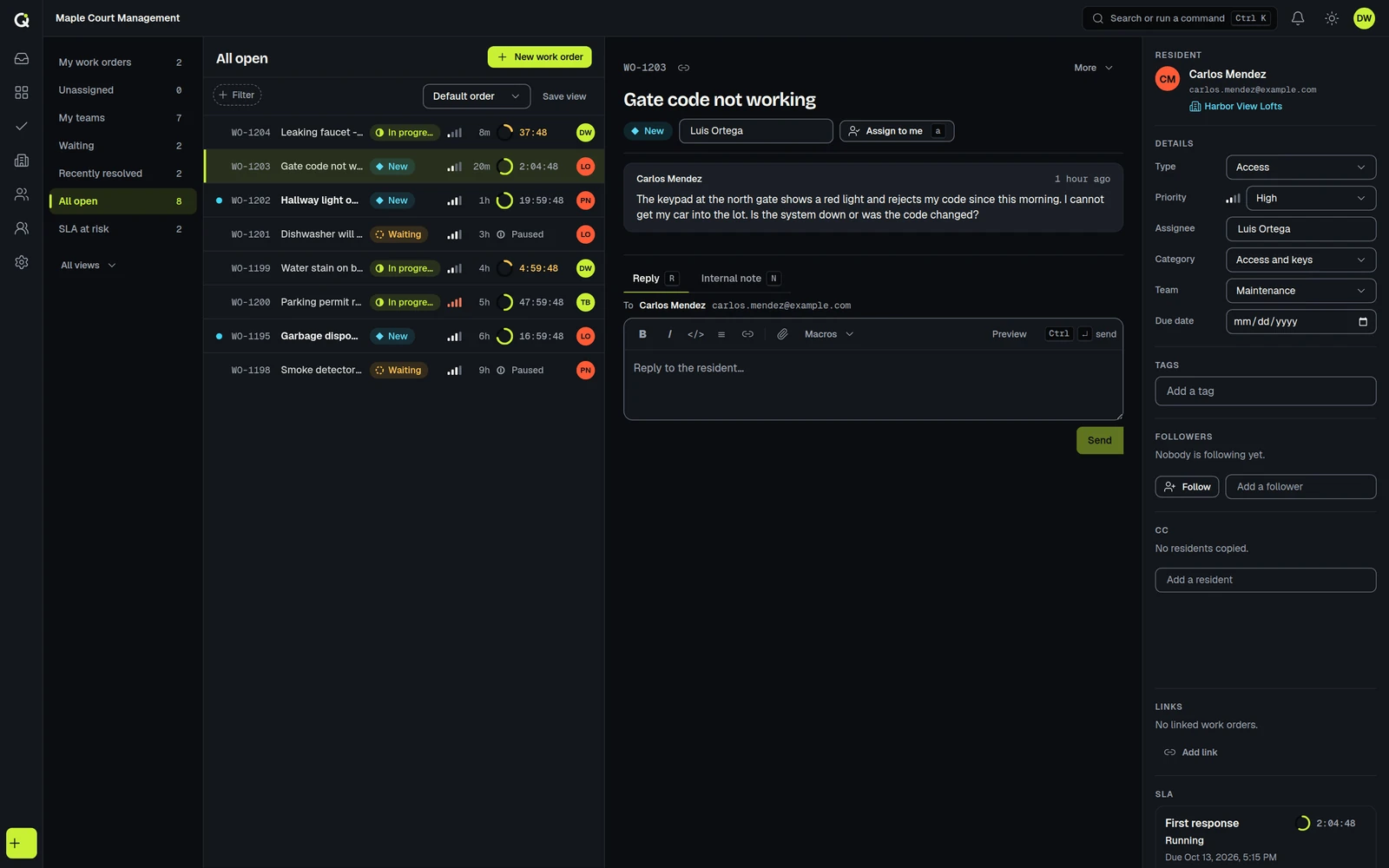
- Maple Court
- Resident portal
- Magic-link sign-in, lime accent
- Response target
- Urgent: 1 hour, business hours
- Wording
- Work orders, technicians
- Riverside Lofts
- Resident portal
- Verified email code, aqua accent
- Response target
- Urgent: 30 minutes, calendar hours
- Wording
- Service requests
- Oak Terrace
- Resident portal
- Invite only, amber accent
- Response target
- Urgent: 2 hours, business hours
- Wording
- Work orders, technicians
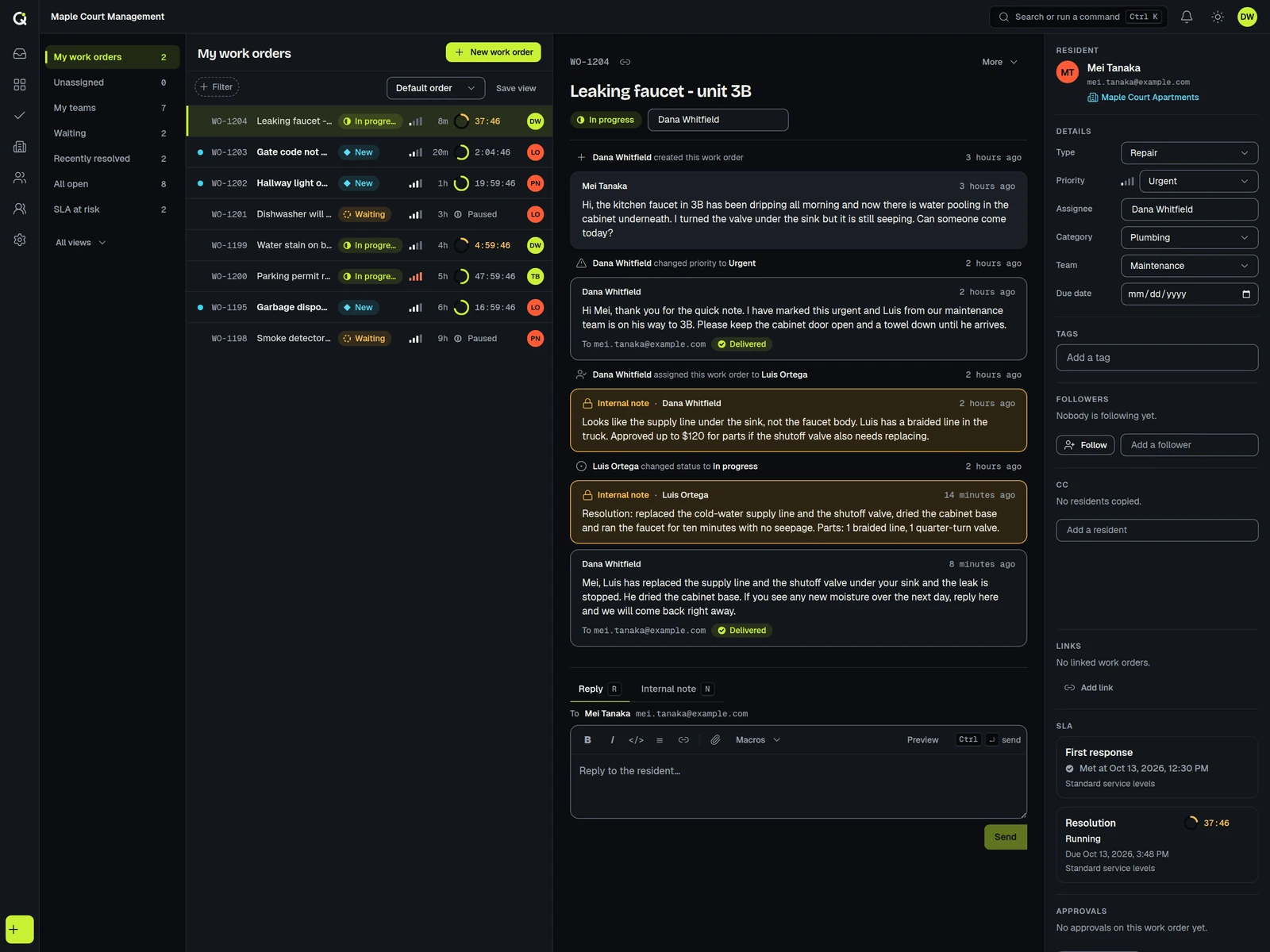
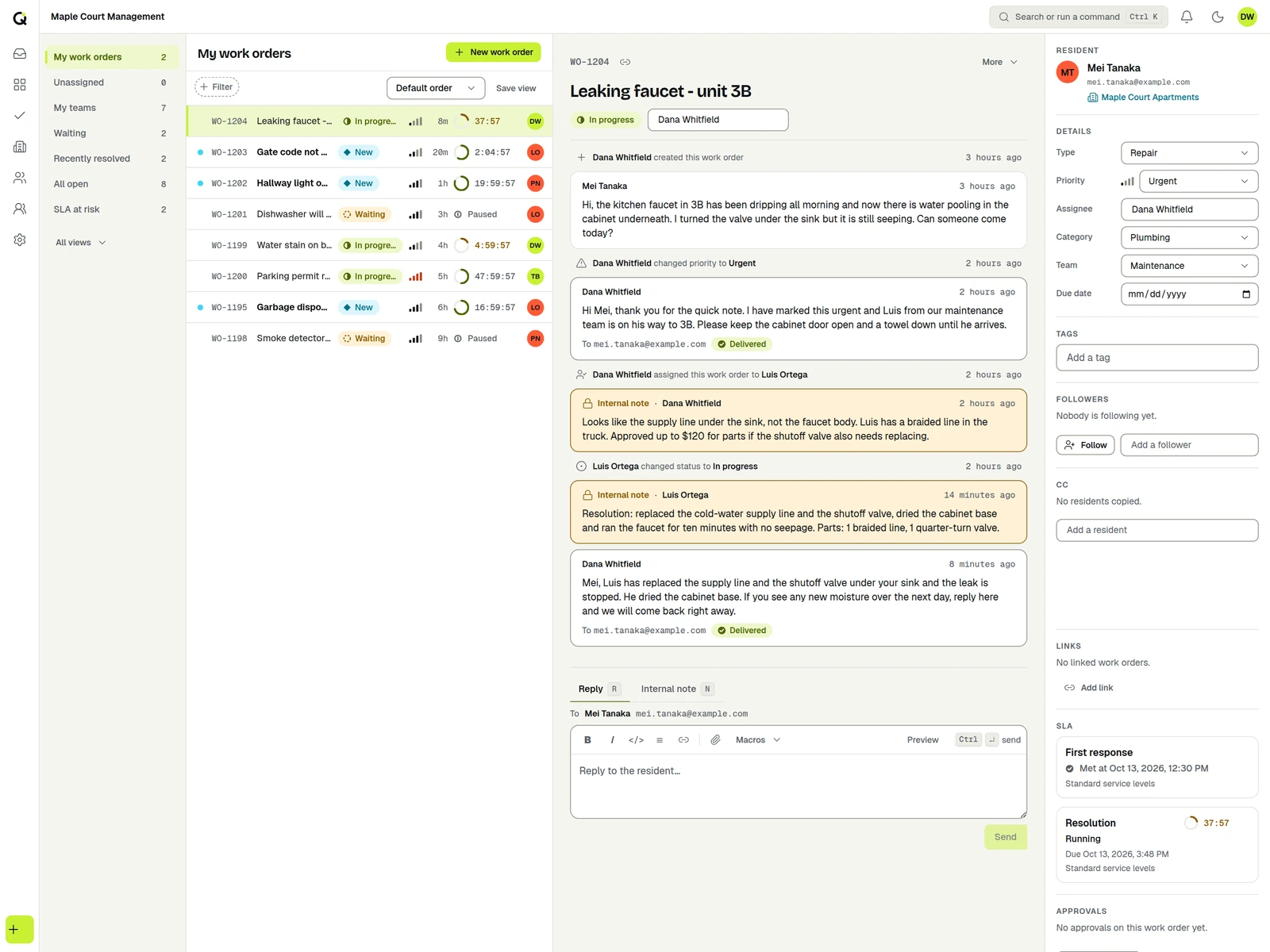
One leaking faucet, start to finish
This is the flow a property team recognizes. Nobody has to chase anybody.
The resident sends it from the portal
Mei opens the Maple Court portal, picks the maintenance form, describes the drip and attaches a photo. No app to install and no account to pay for.
Resident seesThe work order in their list, with its status.Office seesA new work order in the live queue, with the form answers and photo.An automation makes it urgent
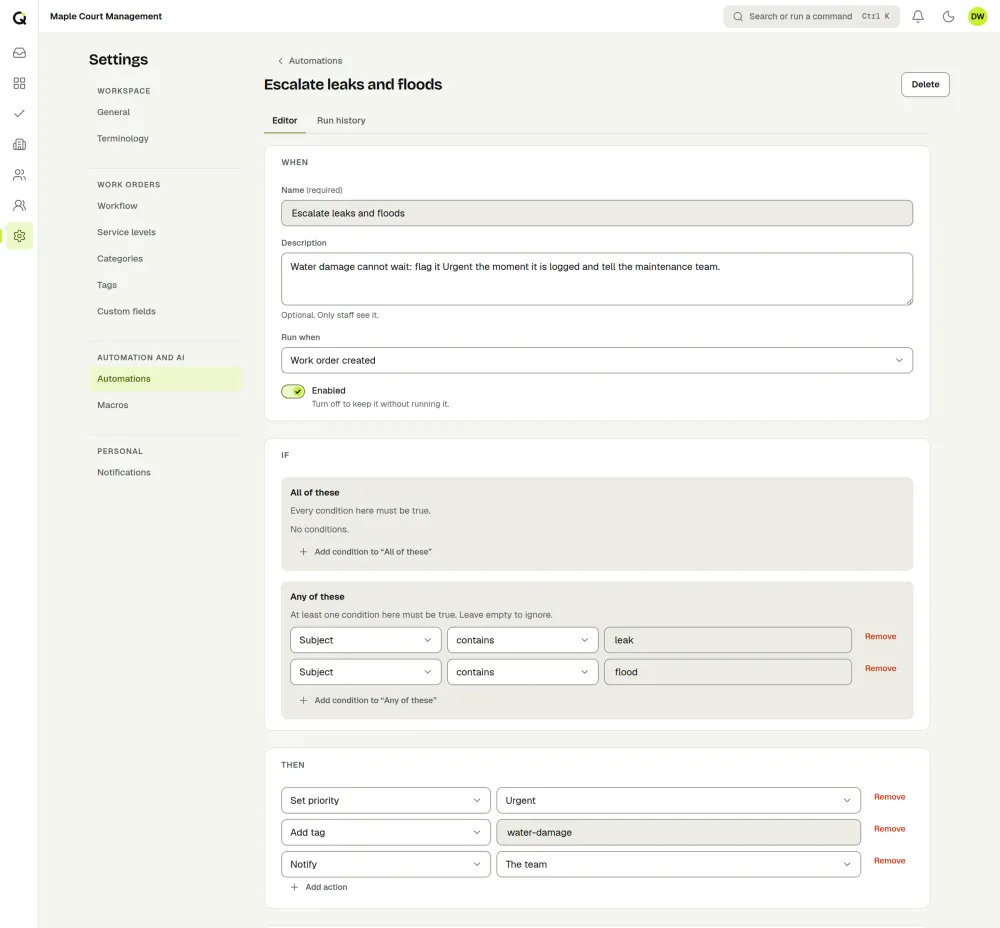
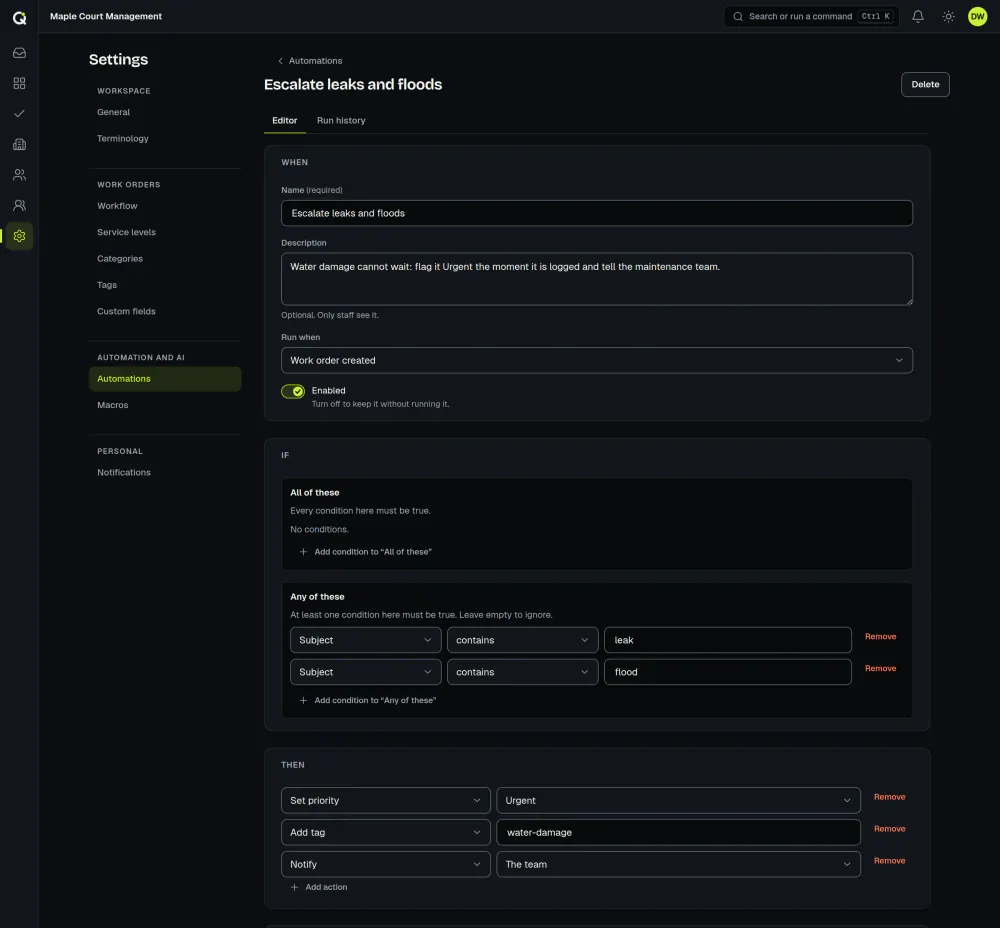
You wrote one rule: when a new work order’s subject contains “leak” or “flood”, set the priority to Urgent and notify the team. It runs on the new-ticket event, so the right clock starts at once.
Resident seesNothing to chase. The status is on their work order.Office seesUrgent priority, a live SLA countdown and an alert to the team.It gets an owner
Dana, the property manager, sees it in the queue and assigns it to Luis, a technician on the maintenance team. If Luis has the work order open or is typing a reply, anyone else who opens it sees that, so two people do not both walk to 3B.
Resident seesThe new status and Dana’s reply in the portal, and the reply by email.Office seesAn assignee, and once Dana replies, a response clock marked met.Waiting on the resident? The clock pauses
If Luis needs the resident to confirm access, he sets a waiting status that pauses the SLA. The clock resumes when the work order moves on, so you are not penalized for time you cannot control.
Resident seesA clear question and a reply box.Office seesA paused ring, then a running one again.Resolved, with a note that stays
Luis resolves it and writes what he did. The note is on the work order for the next person who opens 3B, and the resident can reopen it if the drip comes back.
Resident seesResolved, the note, and a Reopen button.Office seesHistory for the unit, and the target marked met or breached.
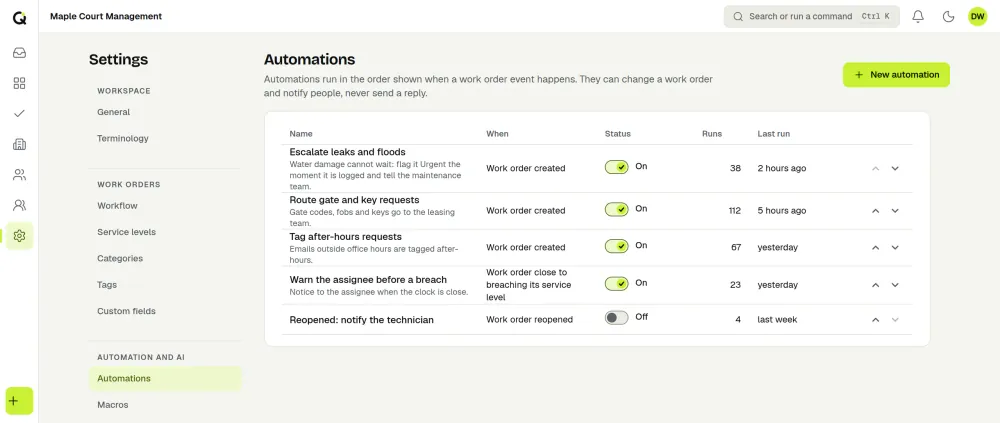
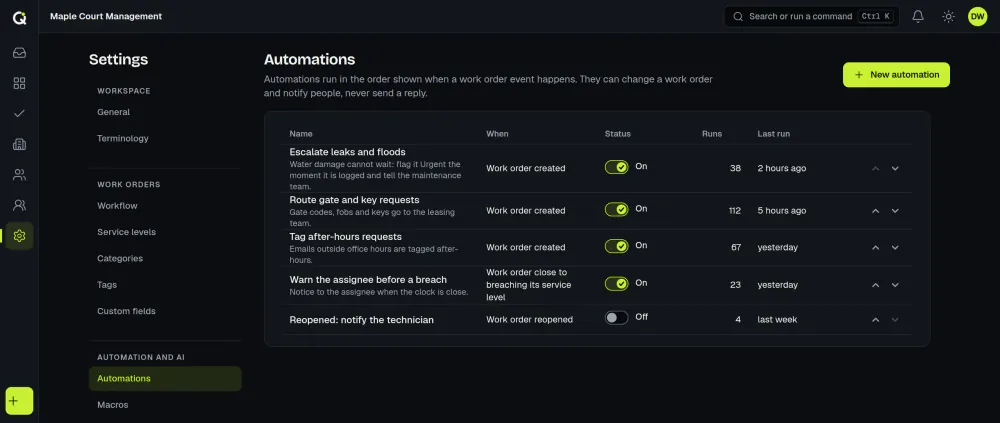
The urgent rule from step 2 is one automation. The editor shows when it runs, which conditions must match and what it does, and the automations list shows how often each rule has run.
What it does today
A portal for each property
Give every building a logo, accent color, request form and wording. Choose open, verified email, magic link, password or invite-only sign-in. Residents can attach photos, follow status and reopen a request. See client portals.
Response clocks that fit the situation
Set first-response and resolution targets by priority, count business hours and holidays, pause while you wait on a resident, and escalate before a target is missed. A property’s policy wins over the default. See SLA management.
Rules for the routine
Automations run on events such as a new work order or an SLA warning. Set priority from a keyword, tag, assign by round robin, add a note or alert the team. Macros cover the replies you send every week, such as an entry notice.
A shared queue the office can trust
A live queue, internal notes the resident never sees, merging of duplicate reports (three neighbors, one burst pipe) and presence that shows who else has a work order open or is typing a reply.
Approvals for bigger repairs
When a fix needs sign-off, add an approval with one or more steps, such as the property manager, then the owner, with decisions and comments kept on the work order. The audit log records who did what.
Staff can also trigger AI assist to summarize a long thread, suggest a category or priority, translate a reply for a resident who writes in another language, or draft a resolution note. A person reviews every result before anything is used, and an owner can switch AI off. Residents never see AI controls.
Residents can leave an optional 1 to 5 satisfaction rating on a resolved work order, and Reports cover backlog, turnaround and satisfaction results.
Pricing for property teams
You pay for the people who work the queue. Residents, owners and other contacts are free, and so are portal users and API keys.
A two-person office plus a maintenance technician is three agents. Anyone who replies to residents, changes a work order’s status or assigns work counts as an agent. The 14-day trial includes every feature, needs no card, and includes 200 AI runs and 50 free credits. After you subscribe, each workspace gets 1,000 included AI runs a month (fair use). Sign-up and billing are for US businesses. Full detail is on the pricing page.
Common questions
Can residents flag an emergency after hours?
They can send a work order at any hour, and a rule can mark it urgent and alert your team. Alerts go out through the app and email, so keep your emergency number in the portal’s wording for floods, fire and gas.
Can I bring in my residents and properties?
Yes. CSV import covers contacts and organizations, so residents and properties can be loaded in bulk. Past work orders are not imported, so they stay in your old system.
Does it connect to my property management system?
There are no native integrations with property management software yet. Zapier (invite-link app) can connect ActiveQ to apps that have a Zapier connection, and an open API with role-based keys and signed webhooks lets a developer connect other systems.
Do residents need to pay or install anything?
No. Residents use a web portal, free of charge. How they sign in is your choice for each property.
Related pages
- Pricing with worked examples for larger teams.
- Client portals and SLA management, the two features this page leans on.
- Help desk software for MSPs, if you also support clients from one workspace, and internal IT.
- Security and about ActiveQ. The database is hosted in the United States (AWS US East, N. Virginia).