AI assist in ActiveQ
Your staff can draft replies, summarize long threads, get triage suggestions and more, but AI assist runs only when someone clicks a button. A person reviews every result before it is sent or saved, and workspace content is not used to train AI models.
Start 14-day trialSee pricingNo card required. Sign-up is for US businesses.
Eight things AI can do
Each one is a button on a ticket, visible to staff who have permission. Requesters never see AI buttons.
| Action | What it does |
|---|---|
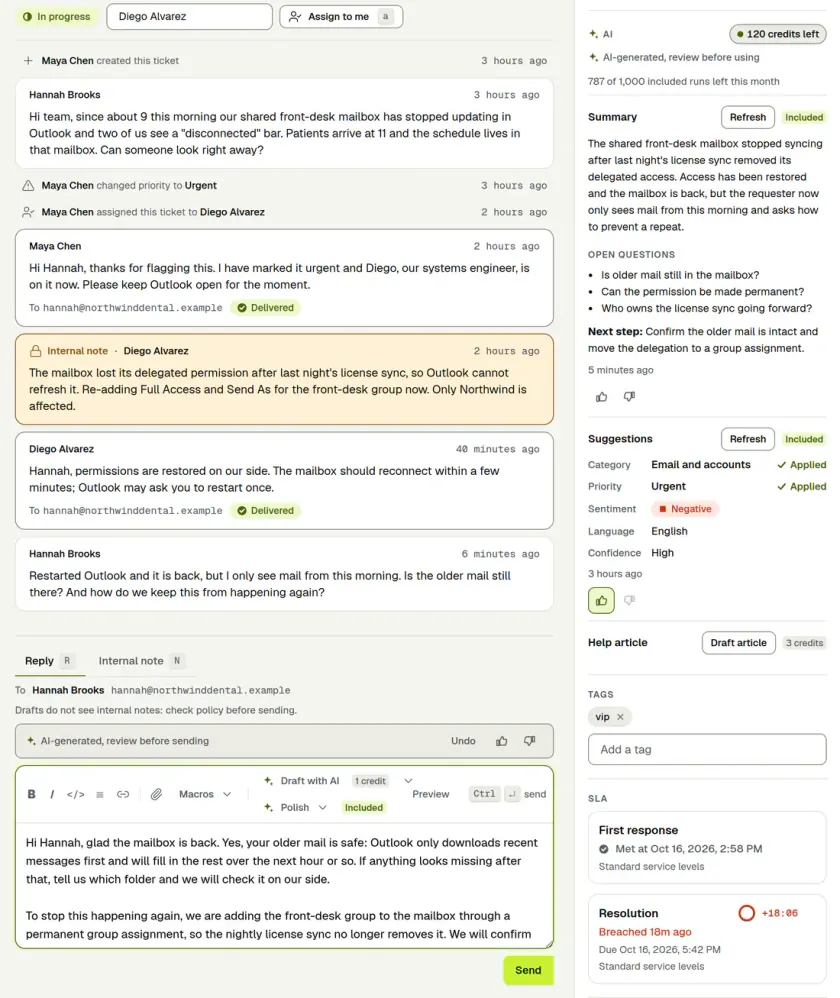
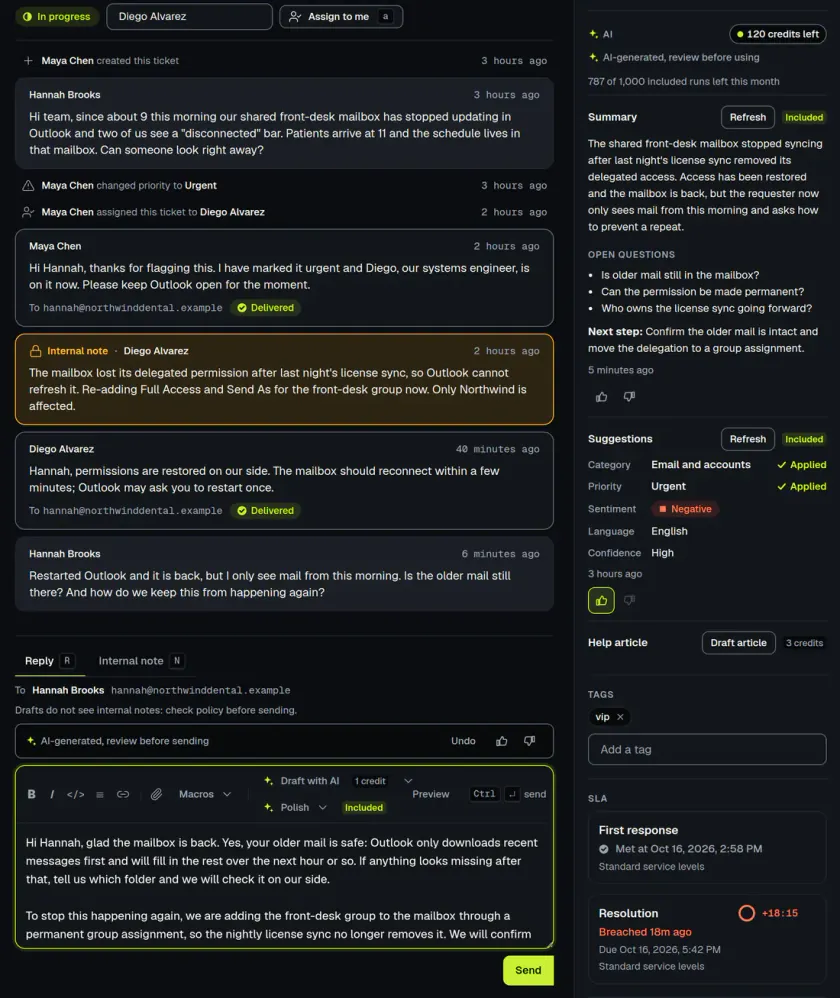
| Summary | Summarizes the conversation, with open questions and a next step. |
| Triage | Suggests a category, priority, sentiment and language. Nothing changes until someone clicks Apply. |
| Reply draft | Drafts a reply from the conversation. It is put in the reply box and never sent for you. |
| Polish | Fixes, shortens or rewords what the staff member is writing. They choose whether to use it, and can undo it. |
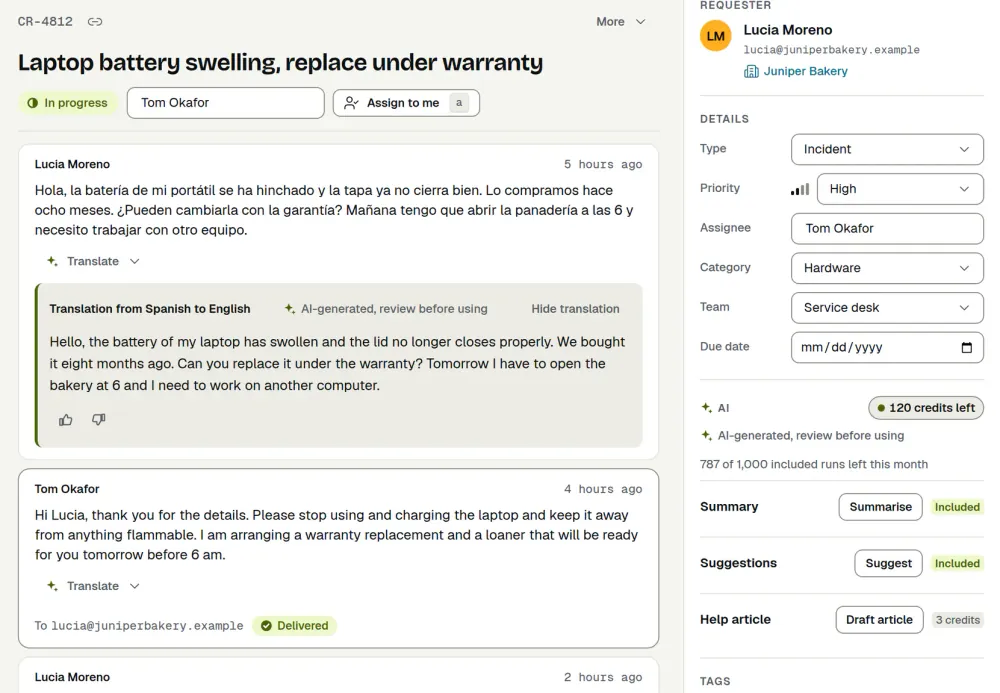
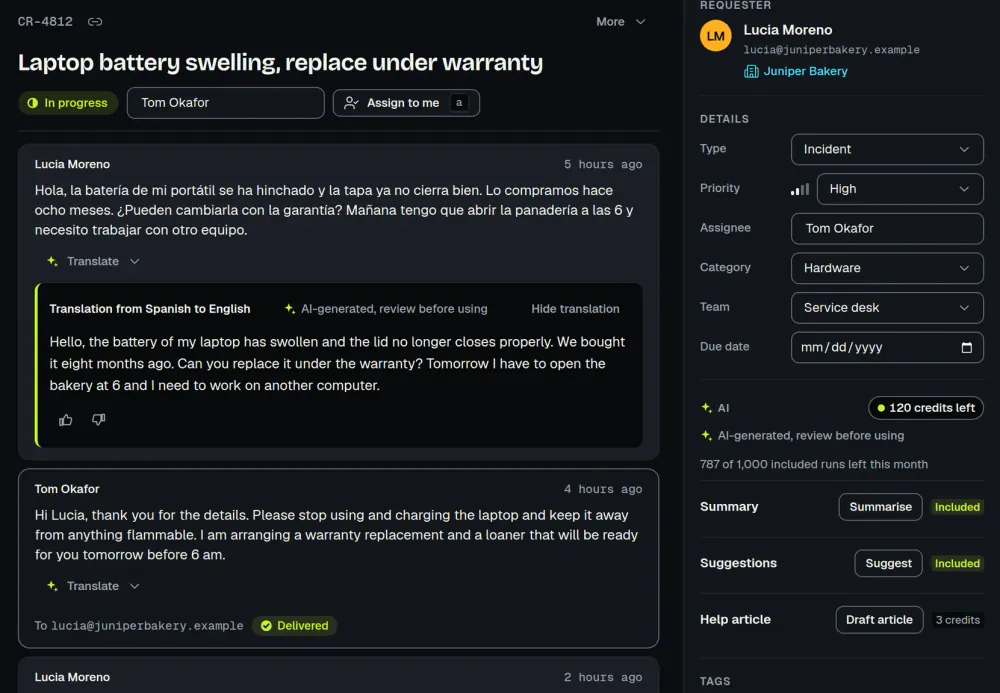
| Translate | Translates one message, shown under the original. |
| Resolution note | Writes a short internal note about how the ticket was solved, for the staff member to edit. |
| Help-article draft | Turns a solved ticket into a help article you can copy. Nothing is published for you. |
| Research | Looks up public web pages for a ticket and lists what they say, with links. It is off by default and only a workspace owner can switch it on. |
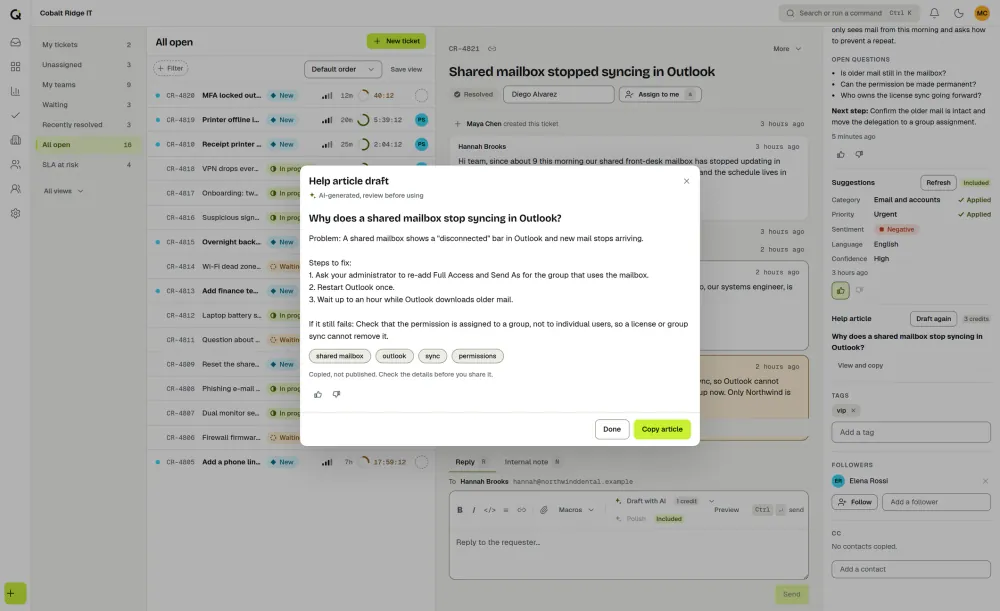
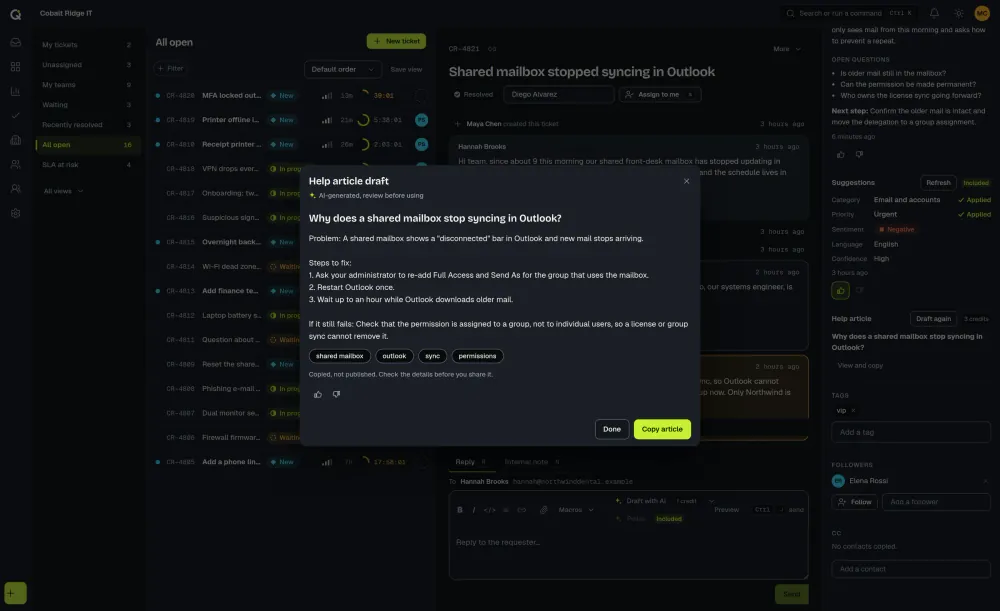
Nothing happens without a click
AI actions never run automatically. They run only when a staff member with permission clicks, and the privacy policy says: “A person reviews the result before anything is sent or saved”. AI output can be wrong, so check it before you use it. Sentiment is a suggestion shown to staff on the ticket, and it isn’t stored on the requester’s record.
What is sent, and what is not
To do an action, ActiveQ sends Anthropic, PBC, its AI provider, the ticket subject and the message text that the staff member can read. Our privacy policy describes exactly what goes with each action. Attachments, custom fields, contact or organization records, other tickets and other workspaces’ data are never sent, and a help-article draft uses only the public messages of the conversation, never internal notes. The privacy policy states: “We do not train AI models on workspace content.”
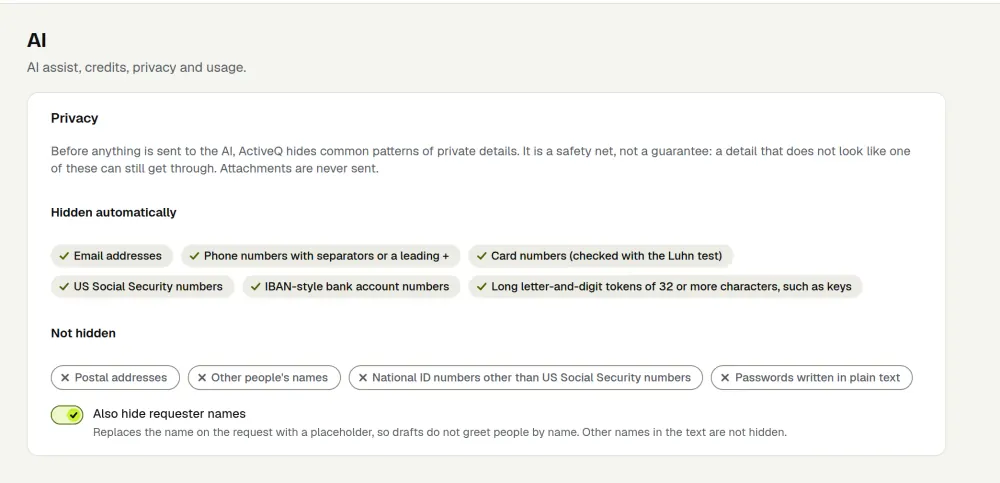
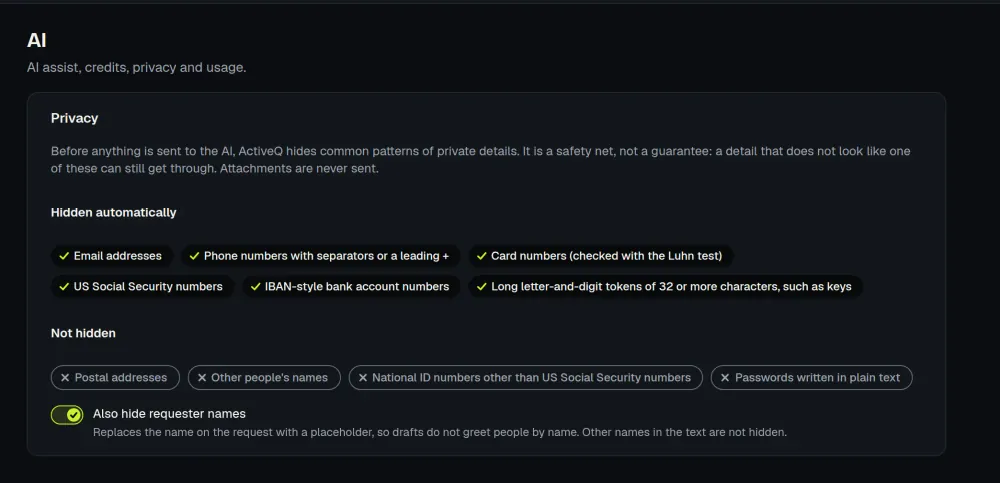
Before sending, ActiveQ replaces common personal identifiers, such as email addresses and card numbers, with placeholders and puts them back only in the text shown to the staff member. The privacy policy says this “is pattern-based” and “not a guarantee”, so staff shouldn’t put other kinds of sensitive information into tickets they send to AI. AI output is deleted after 30 days, and ActiveQ keeps a record of who ran each action, when, and what it cost.
Web research is optional
The privacy policy states: “Research is off by default.” Only a workspace owner can switch it on in Settings, and can switch it off again at any time. While it is off, nothing is searched. When it is on and a staff member clicks Research, only the public messages of the ticket are used, and names and common personal details are removed first. Search questions are filtered for personal details before any search runs. The results are third-party web pages, so check them.
Controls for owners
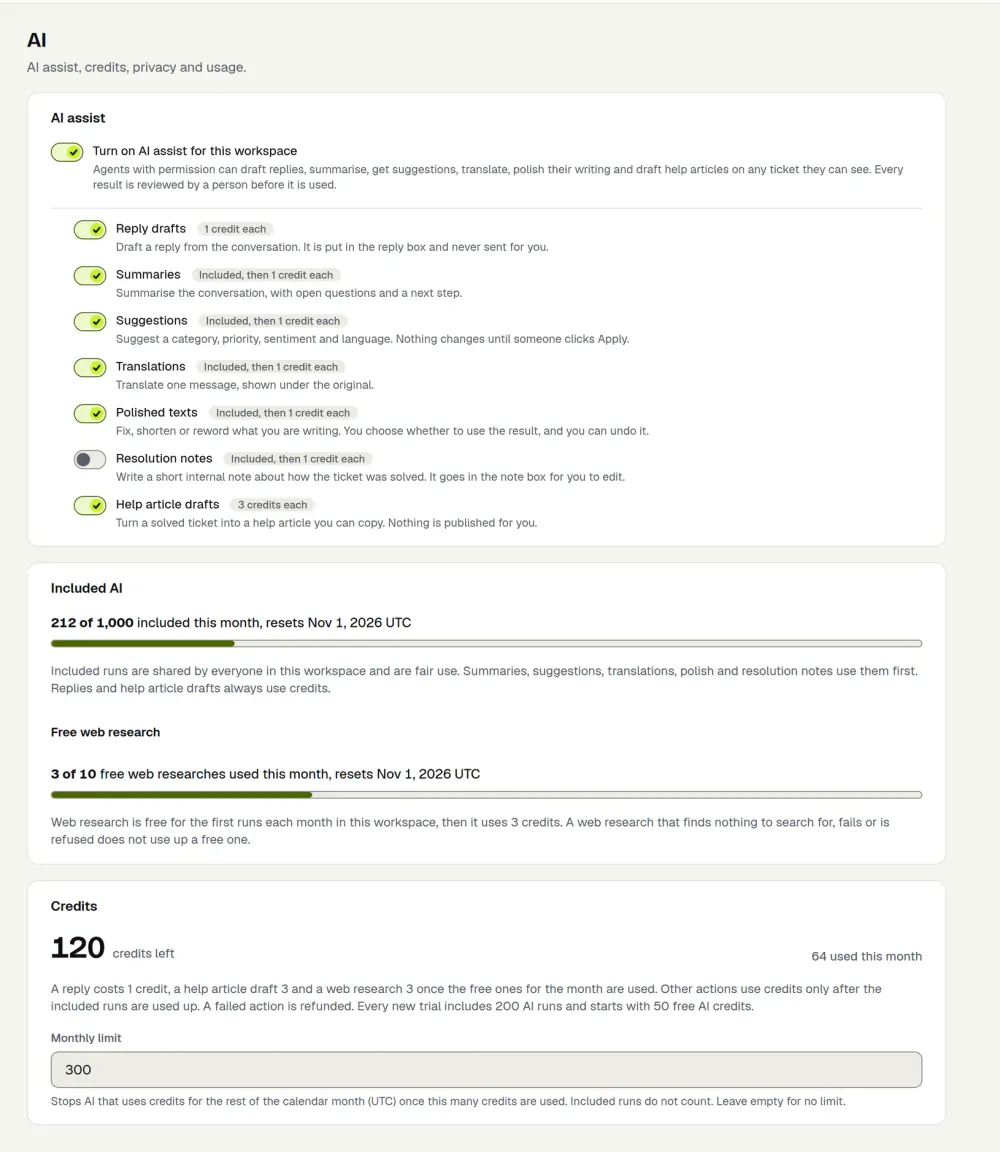
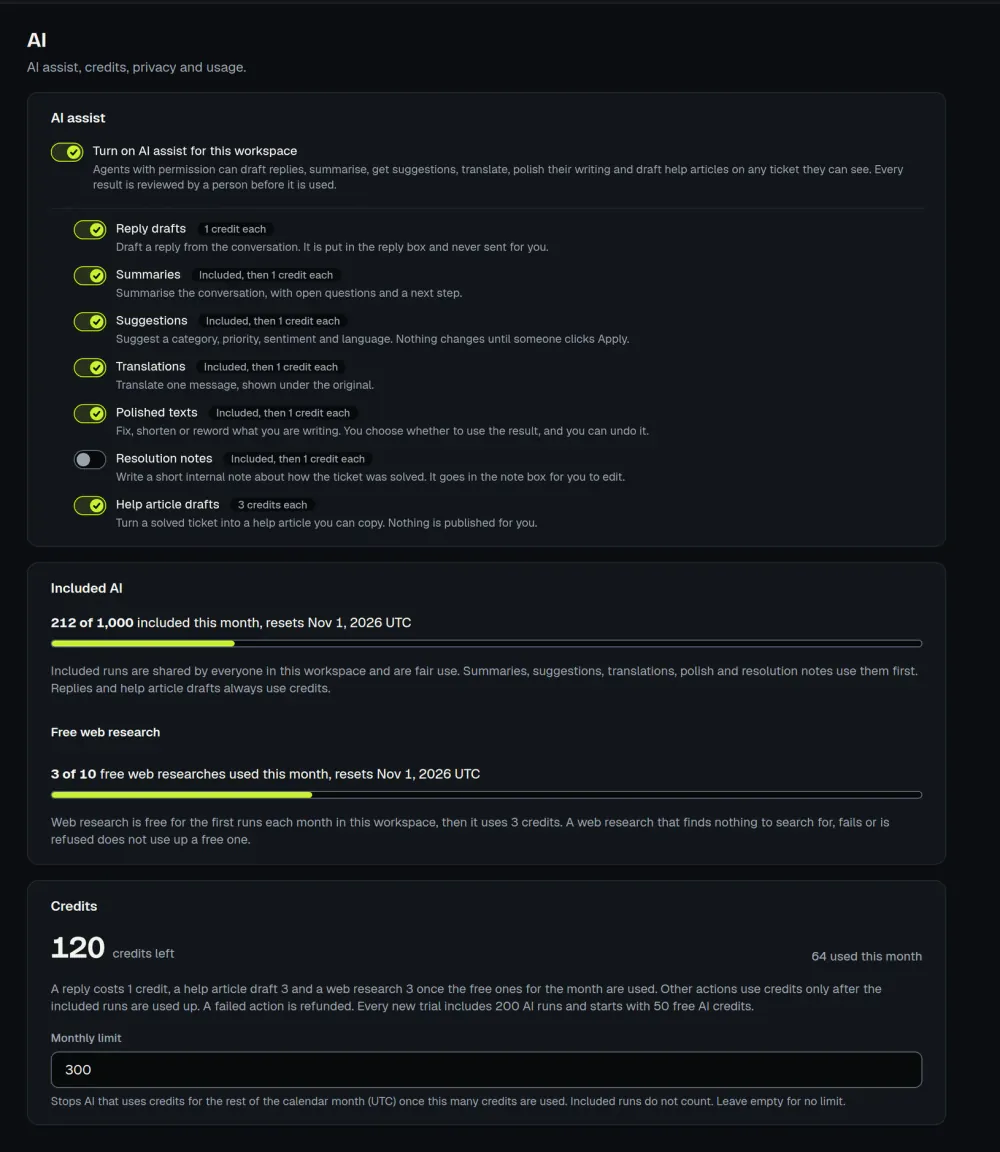
Owners can turn AI off for the whole workspace or for each action separately, hide requester names from what is sent, and set a monthly cap on credits.
What it costs
Summaries, triage, translation, polish and resolution notes draw on a pool of included runs: 1,000 per workspace per month on a paid plan (fair use) and 200 during the 14-day trial. A reply draft costs 1 credit and a help-article draft costs 3. The first 10 Research runs per workspace each calendar month are free, then Research costs 3 credits. The trial includes 50 free credits, and a failed run is refunded.
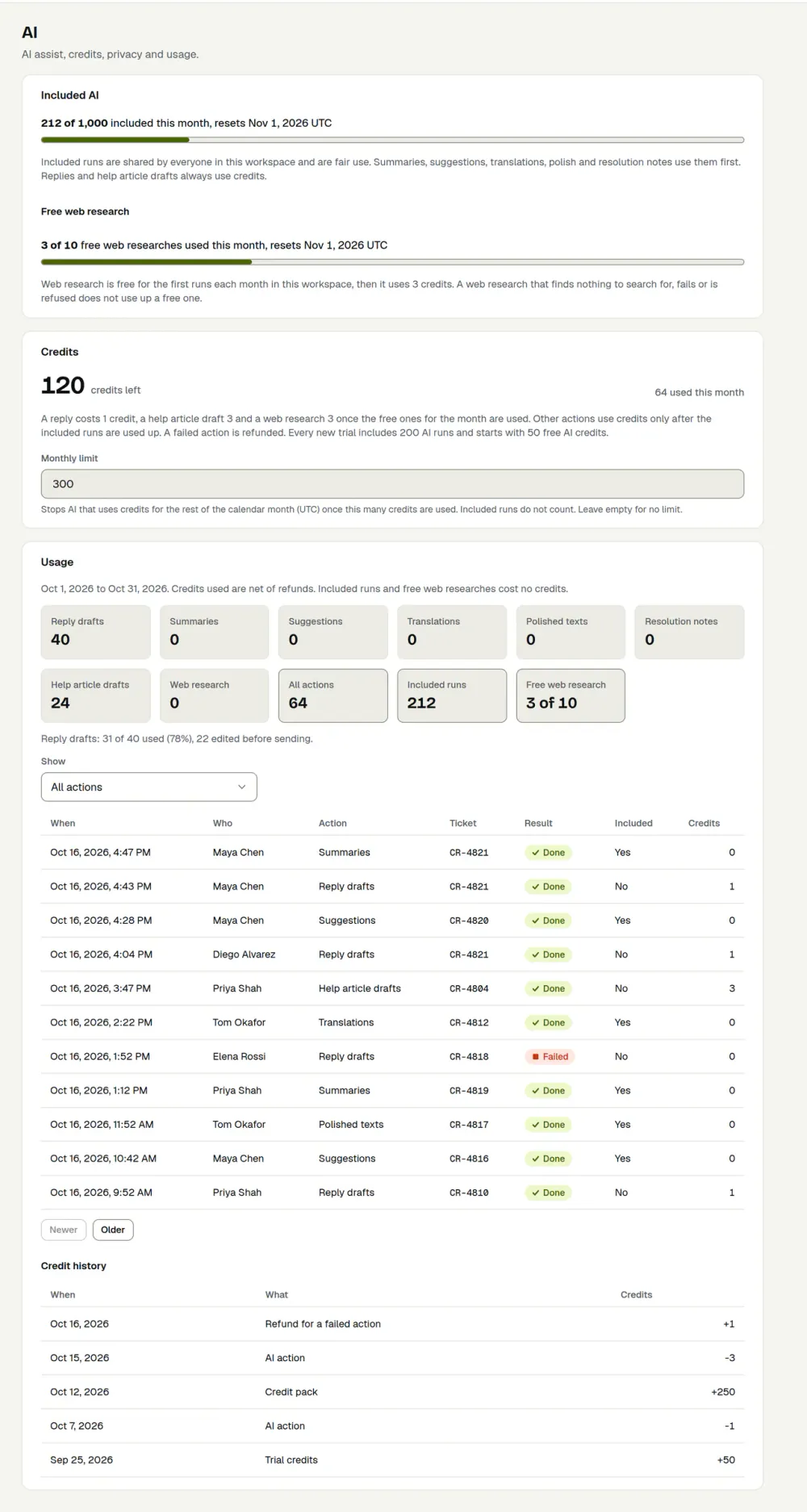
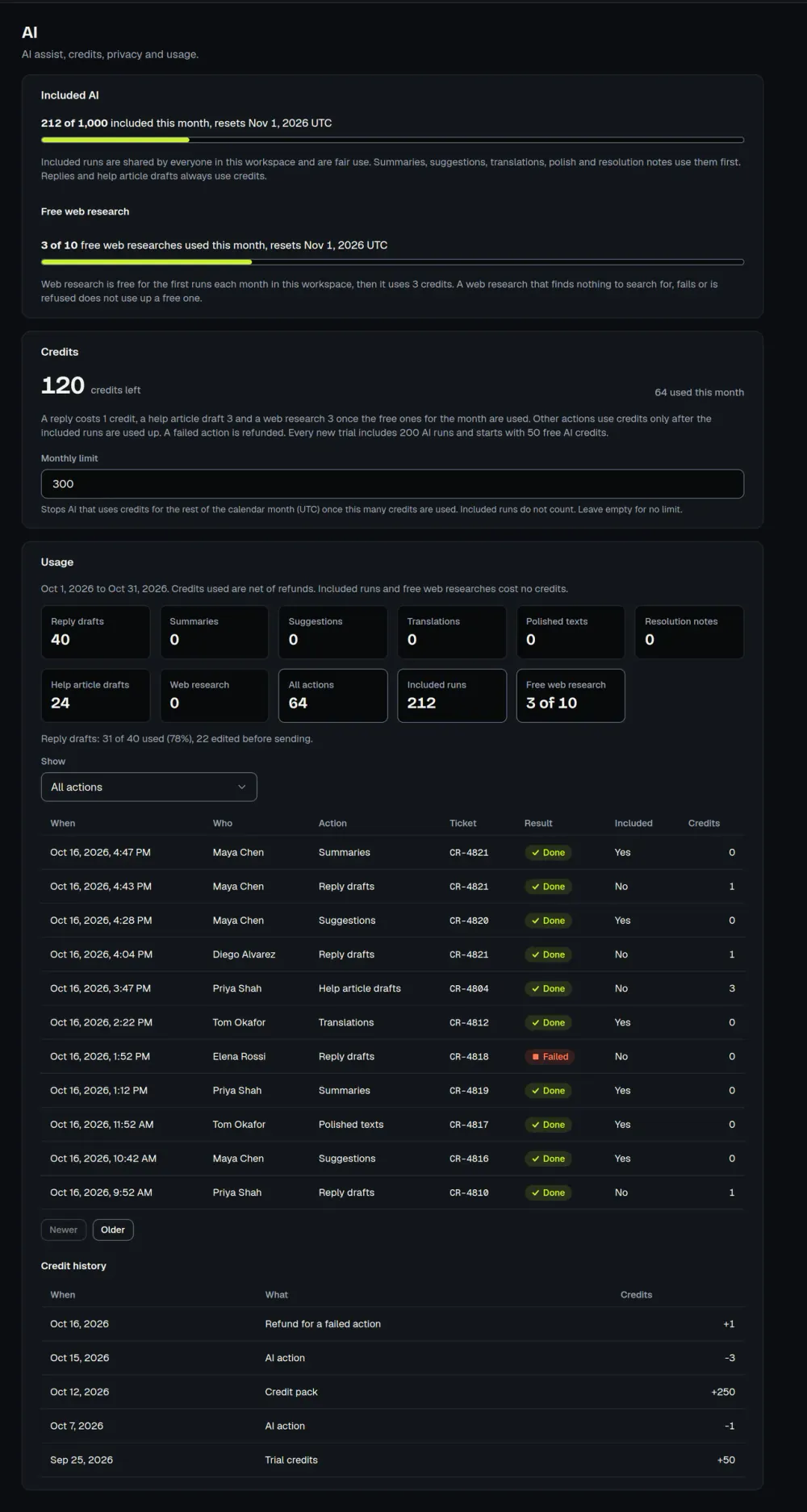
When you need more, a workspace owner can buy a one-time pack: $9 for 250 credits, $29 for 1,000 or $119 for 5,000. The pricing page has the full details, and the security page covers how AI is protected.
How AI assist behaves
AI runs only when a staff member clicks, and requesters on a portal never see it. A draft waits in the reply box until a person sends it. An article draft from a ticket is saved as a draft in the knowledge base and follows your workspace’s review rules before clients can see it.
Redaction covers common patterns, not postal addresses, other people’s names or plain-text passwords. ActiveQ has no zero-data-retention arrangement with its AI provider, and it does not train AI models on workspace content.