Help desk software for MSPs
If you’re a managed service provider (MSP), every client lives in one workspace, each with a portal, SLA targets and wording of its own. You pay a flat monthly price per group of agents, and client contacts are free.
Start 14-day trialSee pricingNo card required. Sign-up is for US businesses.
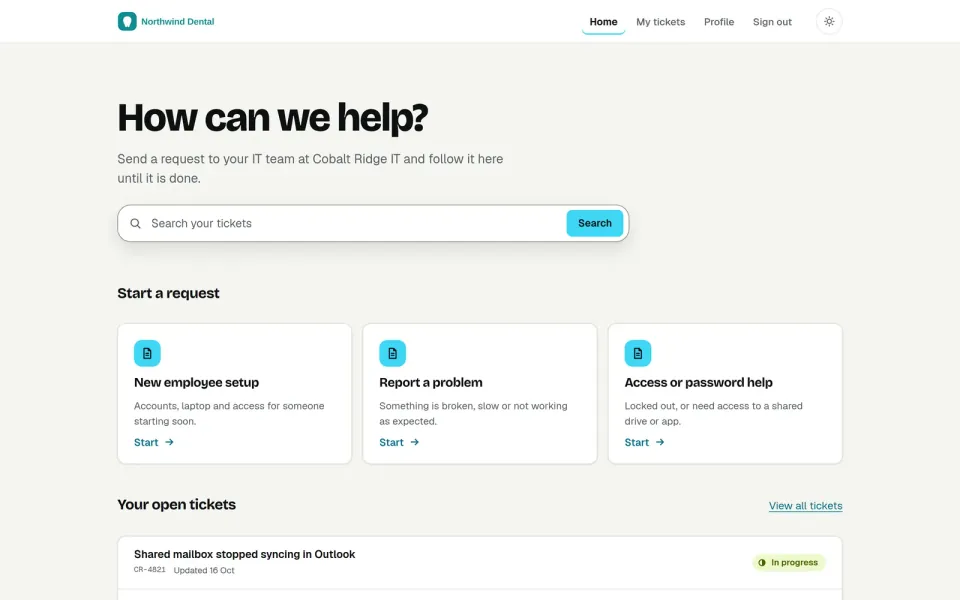
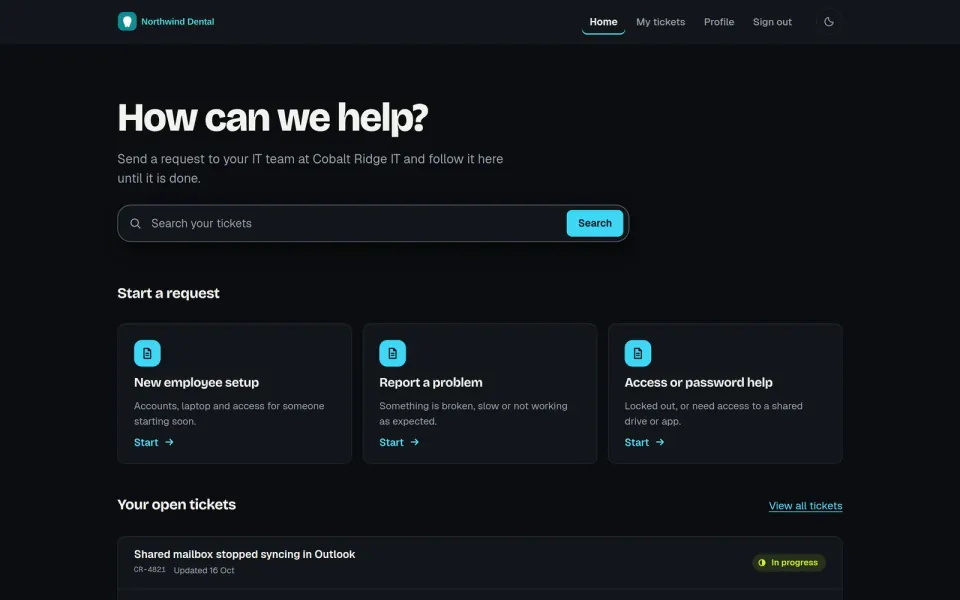
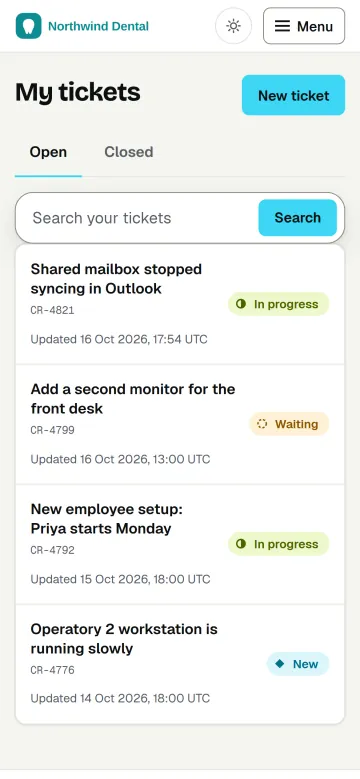
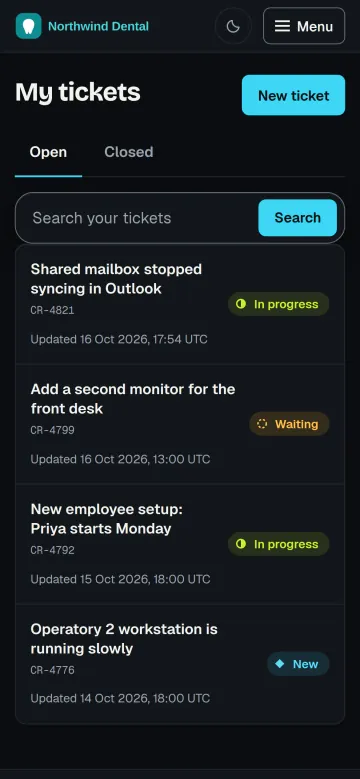
Each client gets its own corner of the desk
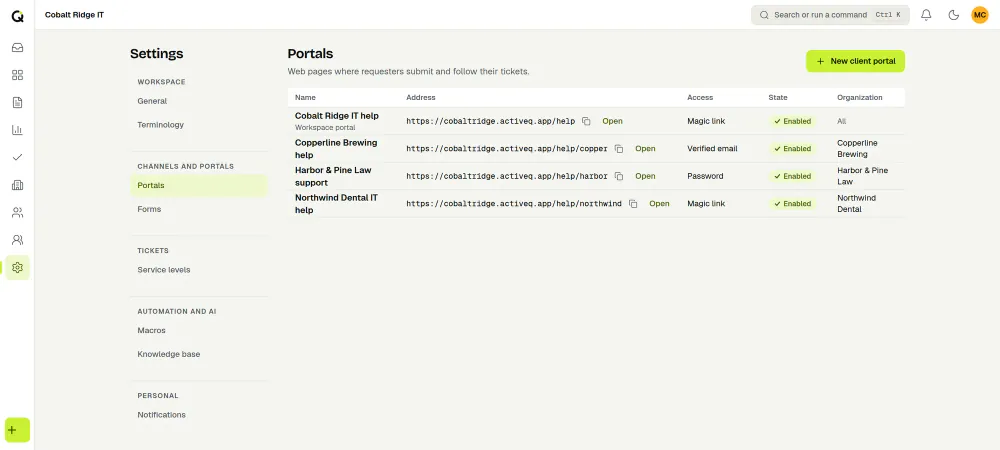
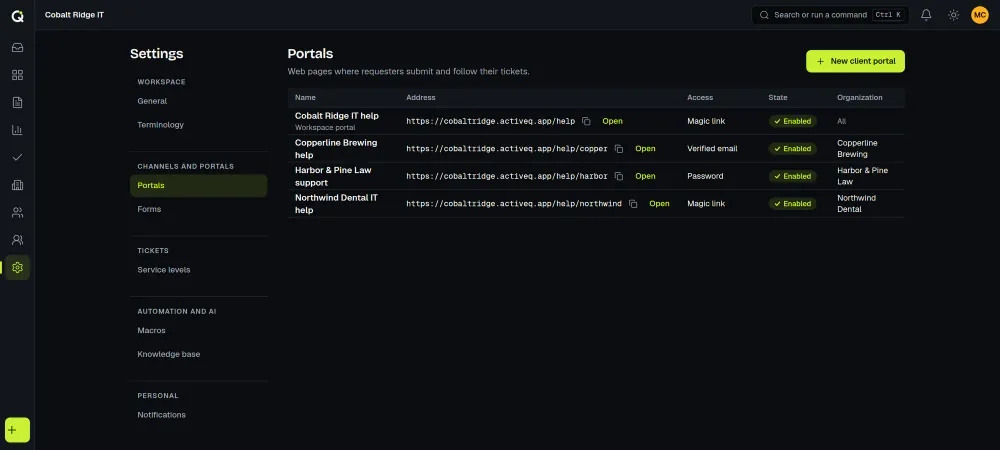
A client is an organization in your workspace, with its own contacts and tickets. Give a client its own portal with a logo, accent color, ticket form and wording, and choose how its people sign in: open (they confirm by email, with a bot check), a verified email code, a magic link, a password, or invite only. A client contact with the organization admin role can see all of that organization’s requests and add or remove its users. See client portals.
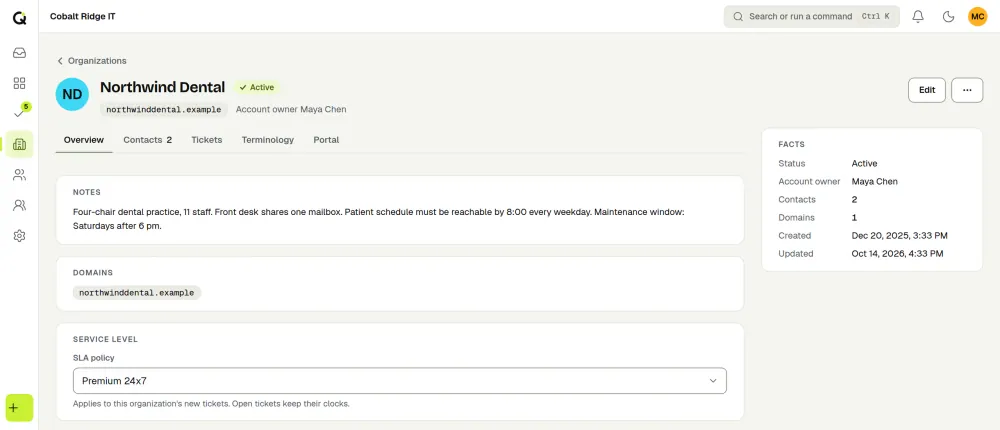
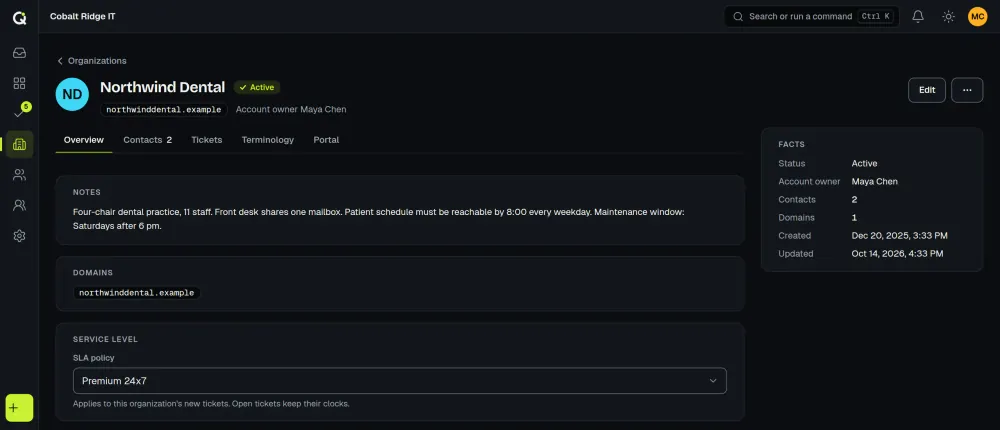
SLA targets work the same way. Attach an SLA policy to an organization and it wins over the team and workspace defaults for that client (more on SLA management).
Knowledge base articles can go to all organizations or to chosen organizations only, with a review step you control, and signed-in portal users search them in a help center. Details are on the knowledge base page.
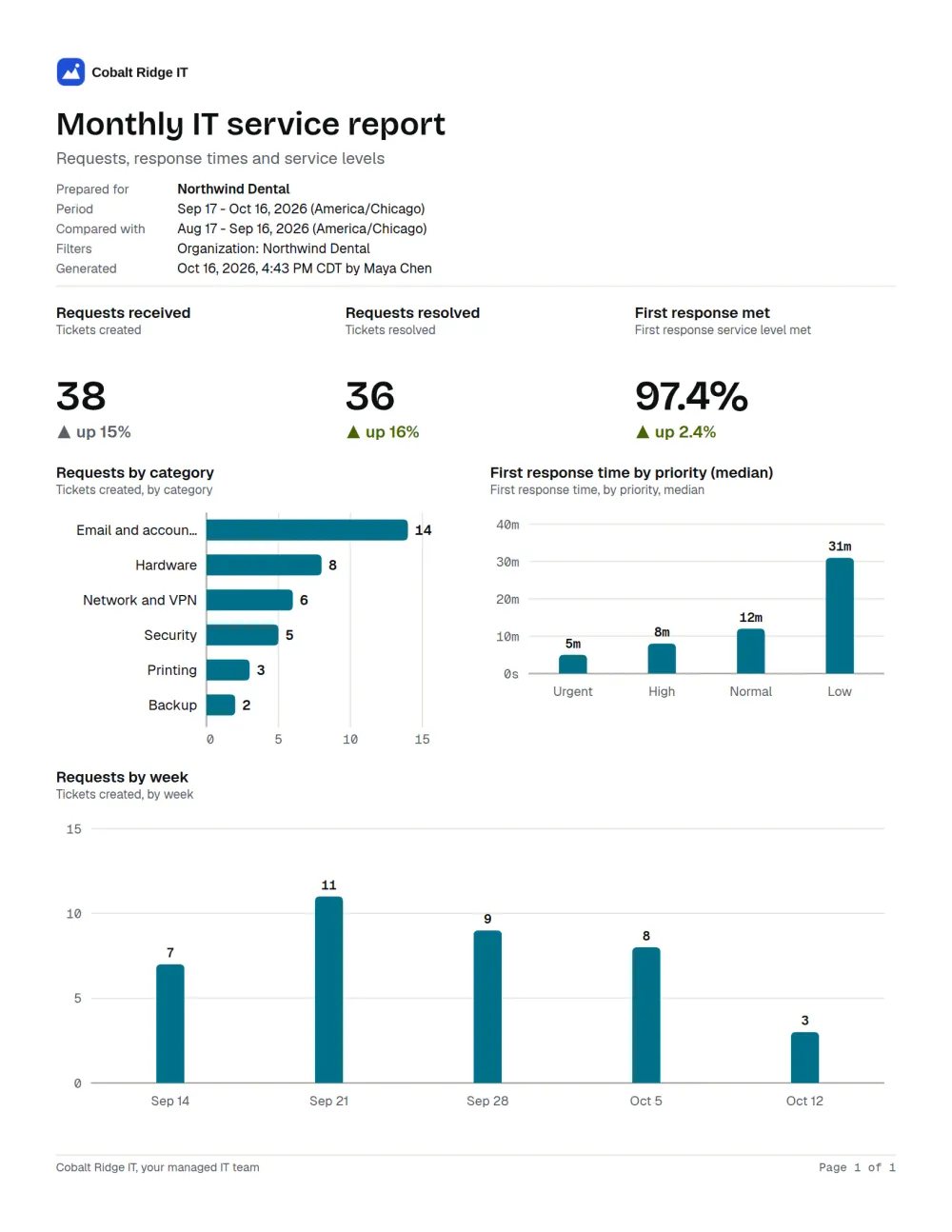
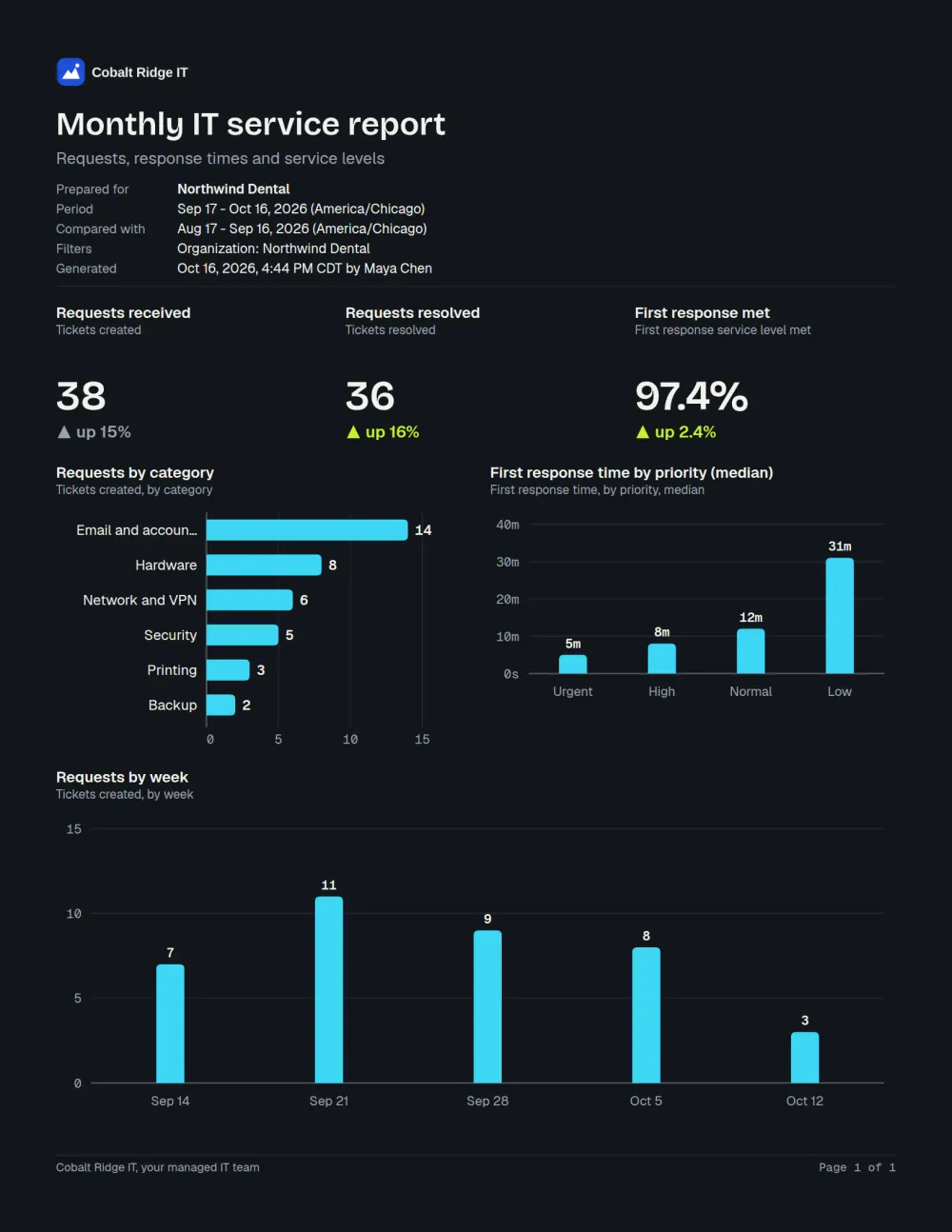
For reporting, filter any report to one client organization, look at client health across all of them, or export a client report as a PDF marked “Prepared for” that client and send it yourself. Clients don’t see reports in their portal. You can also call tickets requests, cases or work orders for the whole workspace, or for one client only.
A day in the queue
The live queue shows new and changed tickets as they happen, with saved views such as unassigned, waiting and SLA at risk. A team can have its own email address and share new tickets by round robin. Macros, internal notes and ticket merging cut the typing. Presence shows who else has a ticket open and who is typing a reply, and you get a warning if a new reply arrives while you write.
Automations run on events such as a new ticket or an SLA warning, approvals can go through a chain of approvers, and custom roles decide what each technician and each client user can see and do.
Email, the portal and light ITSM
Clients reach you through the portal or by email. ActiveQ covers light ITSM: incidents, requests, approvals and tasks, with problem and change as ticket types that you link to other tickets.
AI assist and the API
Technicians can trigger AI assist for summaries, triage suggestions, reply drafts and translation, and a person reviews every result. Other systems can read, write and react through the API and signed webhooks.
Pricing for MSPs
You pay for the people who work tickets: $79.99 a month for 1 to 3 agents, $149.99 for 4 to 8, and $19.99 for each agent above 8. Client contacts and portal users cost nothing. The pricing page has worked examples.
Guides and comparisons for MSPs
- MSP ticketing software checklist: what to look for in per-client portals, SLAs, access and email.
- Set up a client portal for an MSP client, step by step.
- How to write a first-response SLA you can offer each client.
- Email-to-ticket: how to forward each client’s support address into the desk.
- Other teams that serve outside customers: property management, field and home services and professional services.
- Comparing tools? Read how ActiveQ differs from HaloPSA, Freshdesk and Jira Service Management, or see all comparisons.