Your clients open tickets in your brand. Your team answers from one queue.
ActiveQ is help desk and ticketing software for MSPs and internal IT teams, with client portals, SLAs and AI assist. $79.99 a month covers up to 3 agents, and your clients are free.
14 days, no card, every feature. For US businesses.
Why we built ActiveQ
We ran our help desk on products from the big vendors. The bill was about $3,000 a year at first and close to $7,000 by year two, for a tool whose real job is to take a request, say who owns it and show when it is due. That seemed like a lot for something this simple, so we built our own. The longer story is on the About page.
Three small things that go wrong:
Which email is the ticket?
The shared inbox holds the first request, three replies and a forward. A new technician spends weeks learning which one counts.
The deadline is a date in a column
Nobody opens that column until a client calls to say the answer is late.
Three people, one printer
A client emails three of you about the same problem. Each of you replies, or none of you does, because nobody can see who has it.
Internal IT or MSP, it’s the same desk.
For internal IT teams
Employees get one place to ask for help. Your team gets a queue that shows what’s about to go late.
- ✓An employee portal with request forms for hardware, software and access, and approvals when someone has to sign off.
- ✓Incidents, requests, approvals and tasks. Problem and change are ticket types you link to related tickets, so this is light ITSM.
- ✓Rename tickets to requests, cases or work orders. Set your own statuses and forms.
- ✓Reports for IT leadership, covering SLA performance, backlog and workload by technician, exported as PDF or image.
For managed service providers
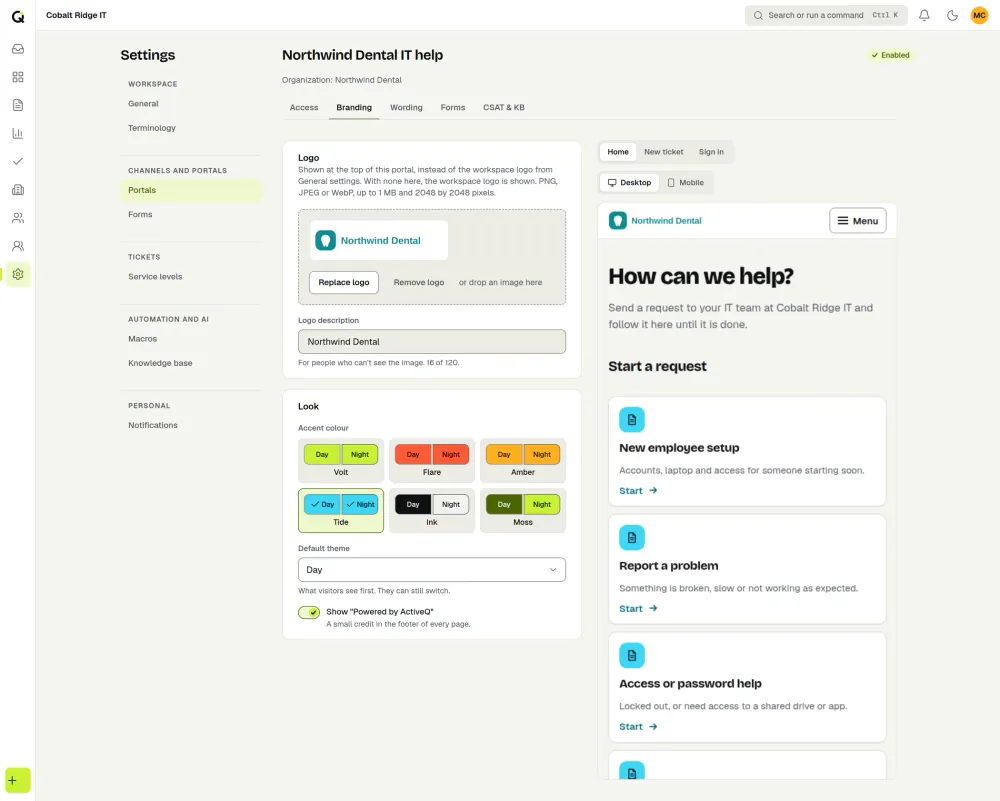
Every client lives in one workspace, and each one sees only its own portal, with its own branding, form and tickets.
- ✓Branding, ticket form and sign-in method are set per client, anywhere from open to invite-only.
- ✓A client contact with the organization admin role can see all of that organization’s requests, and can add or remove its users in the portal.
- ✓Response and resolution targets can differ for each client.
- ✓Custom roles decide what each technician and each client user can see and do.
Follow one ticket through the desk.
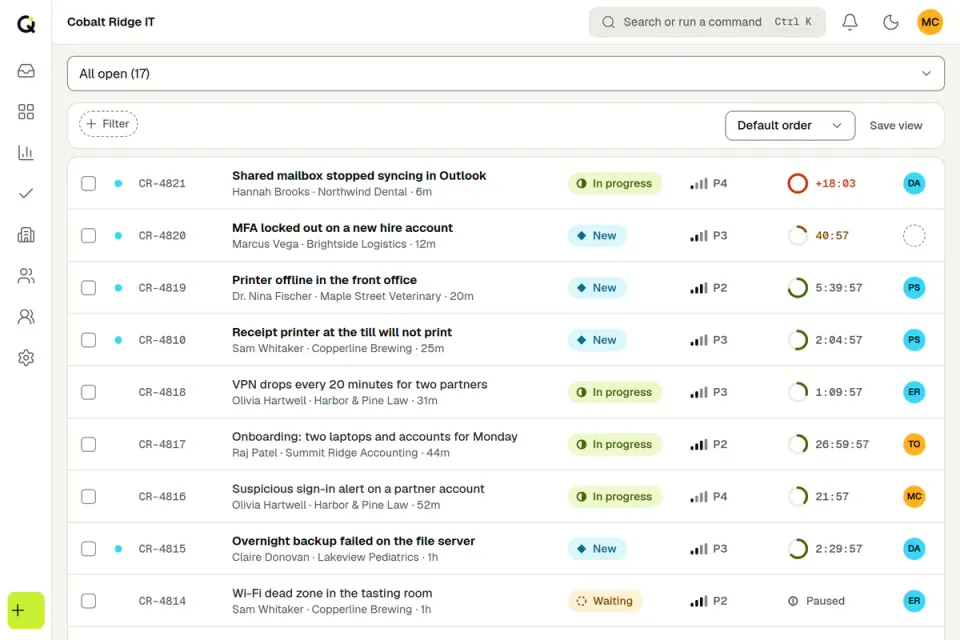
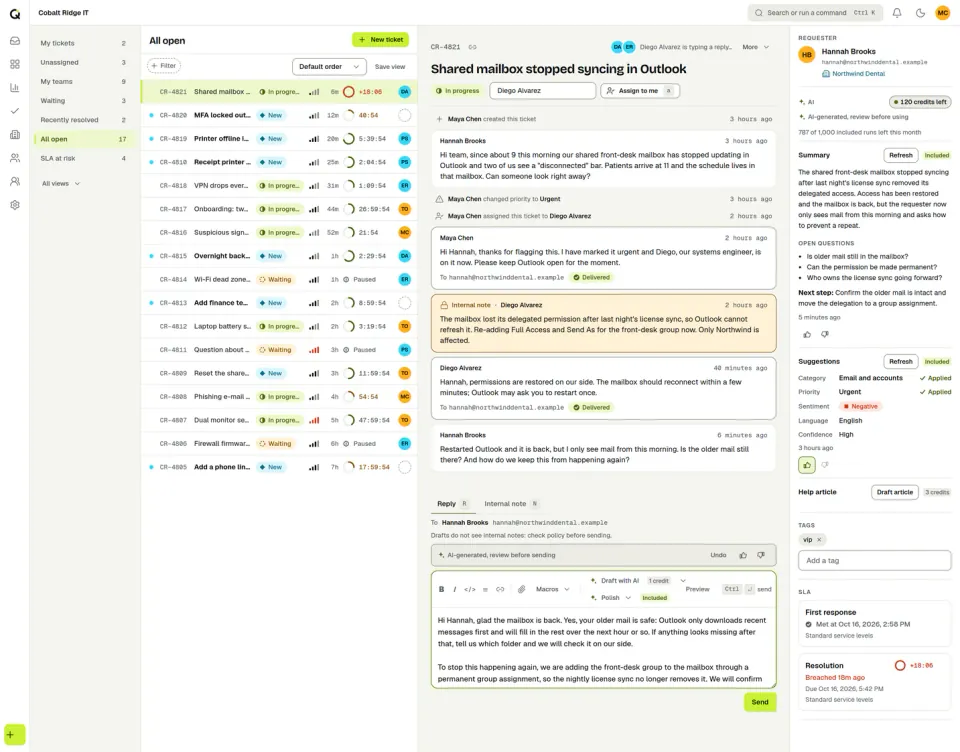
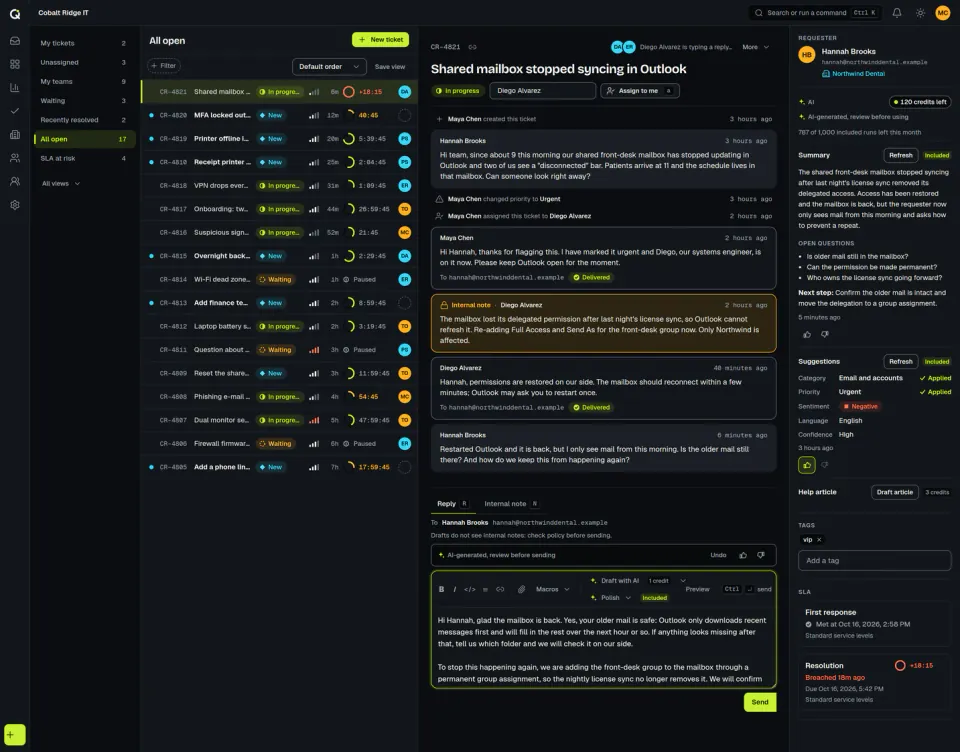
Requests land in one live queue
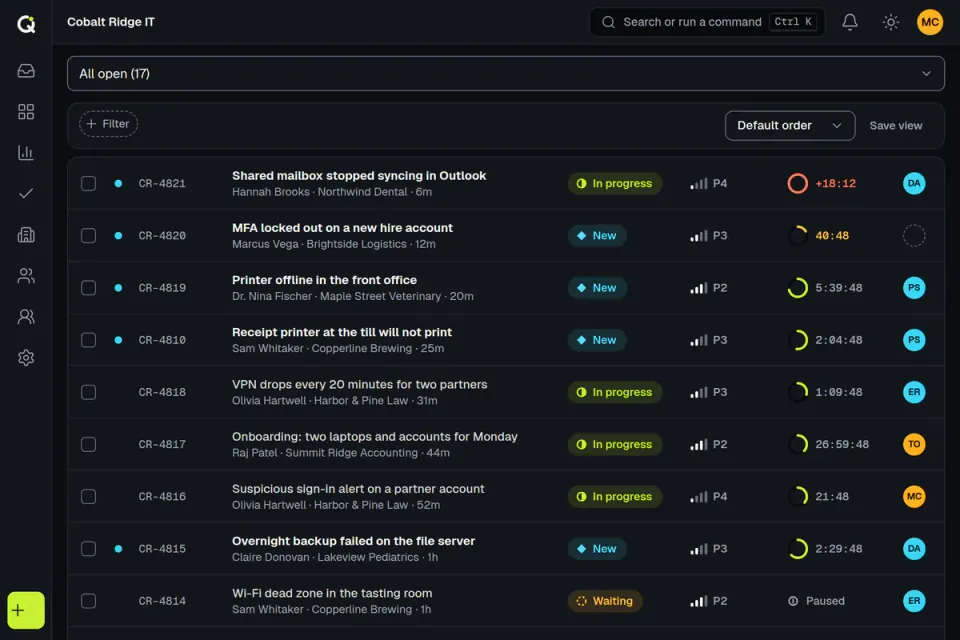
Email and portal requests land in the same queue. Each row shows a status, a priority, an SLA clock and who owns it.
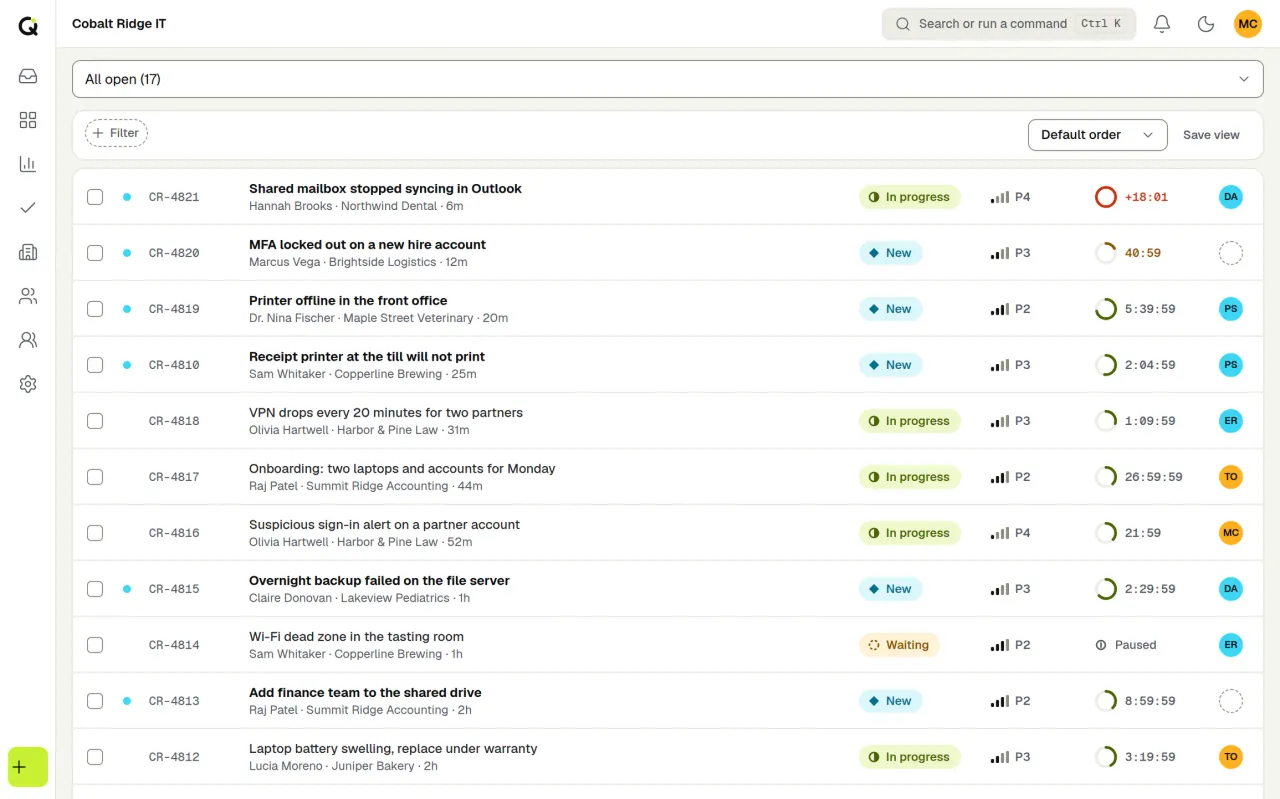
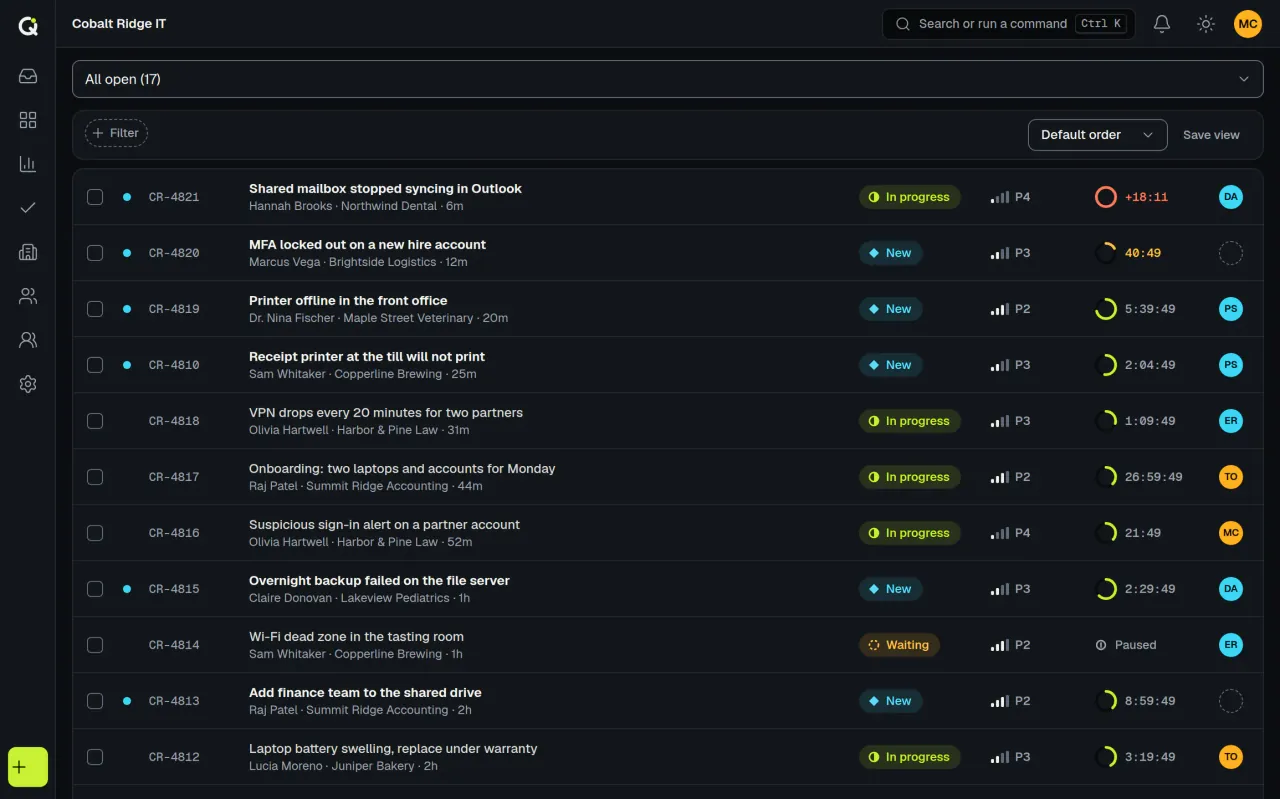
- A beta client told us the visual SLA timer was key to making their first-response and resolution targets.
- Saved views, filters, bulk actions, a command bar and keyboard shortcuts.
Reply with the whole thread in view
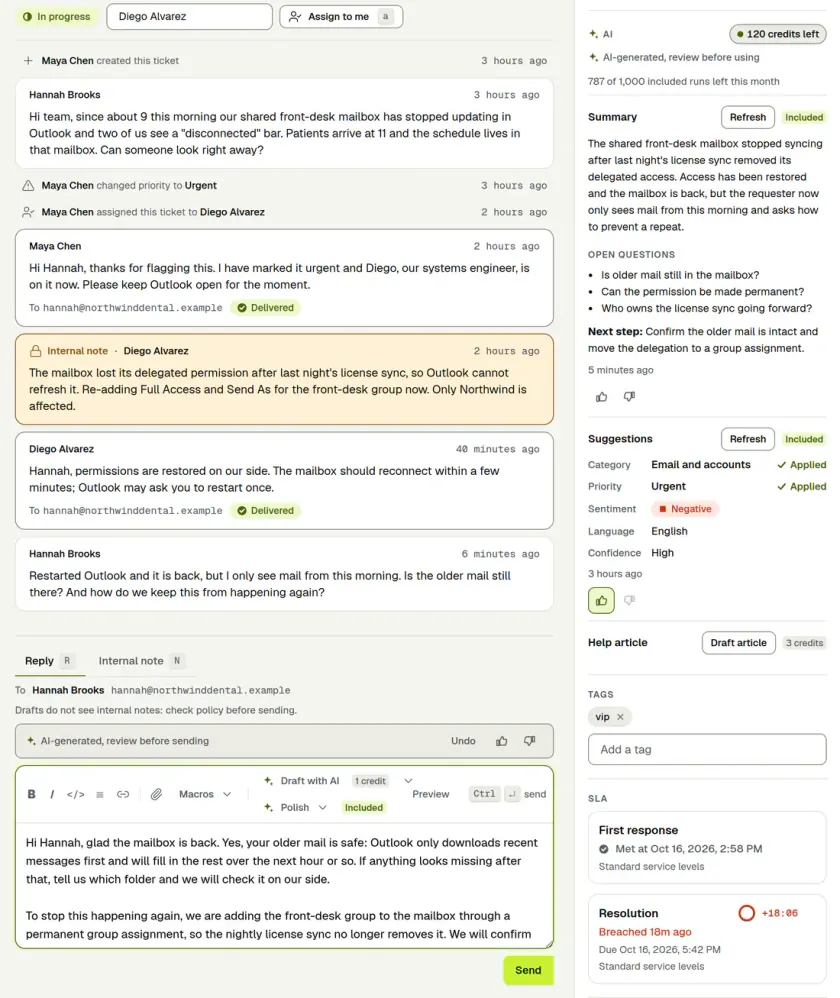
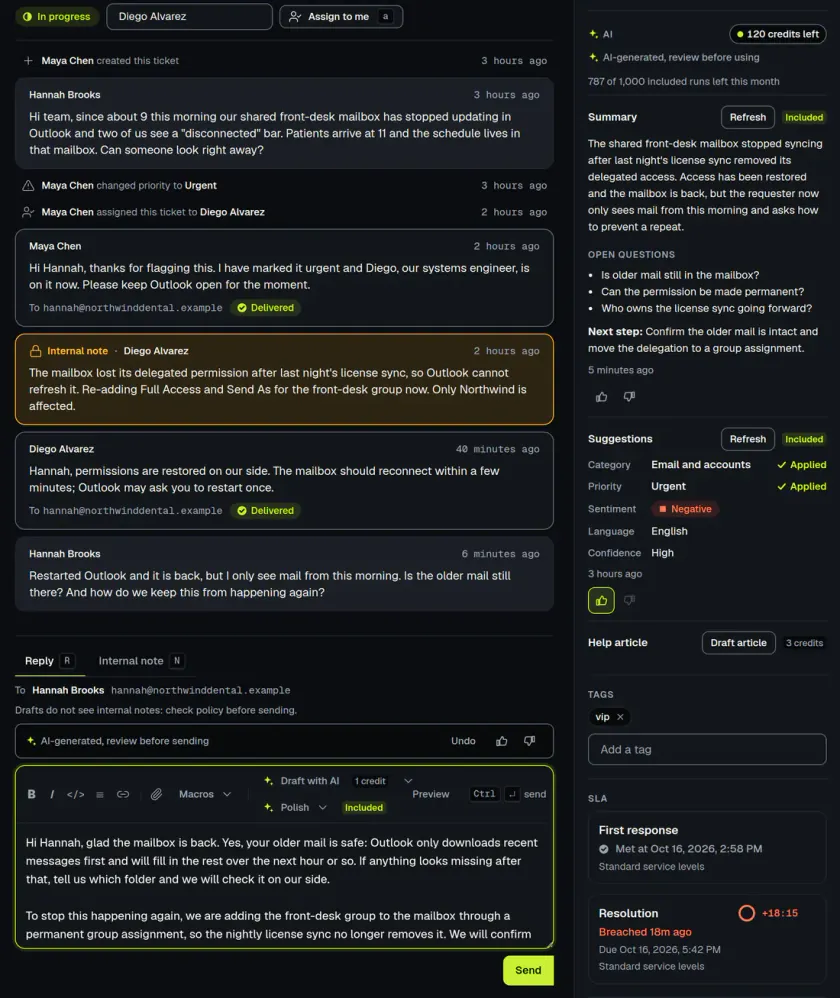
The conversation, internal notes, requester details and an AI summary share one screen.
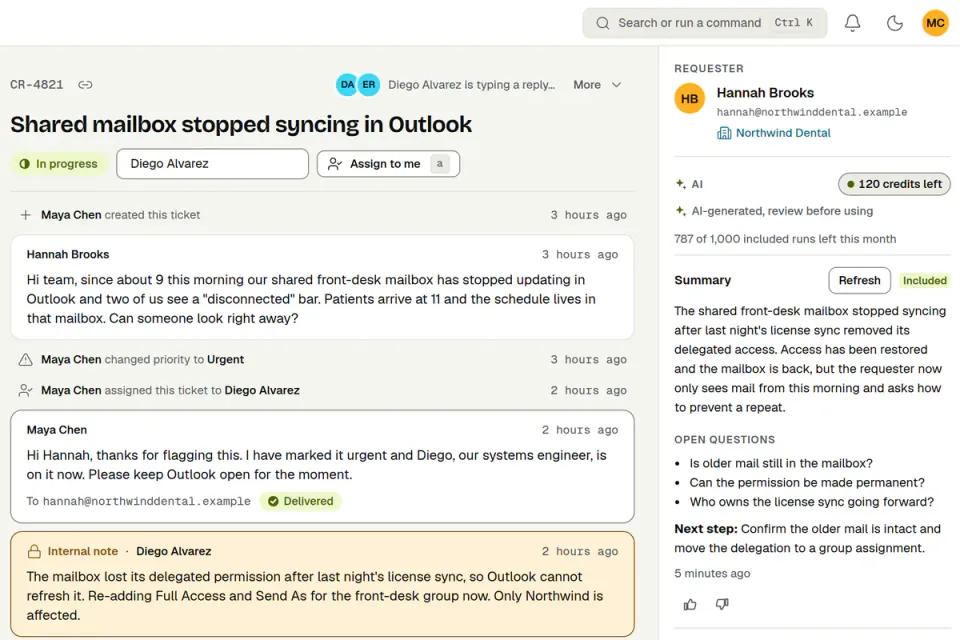
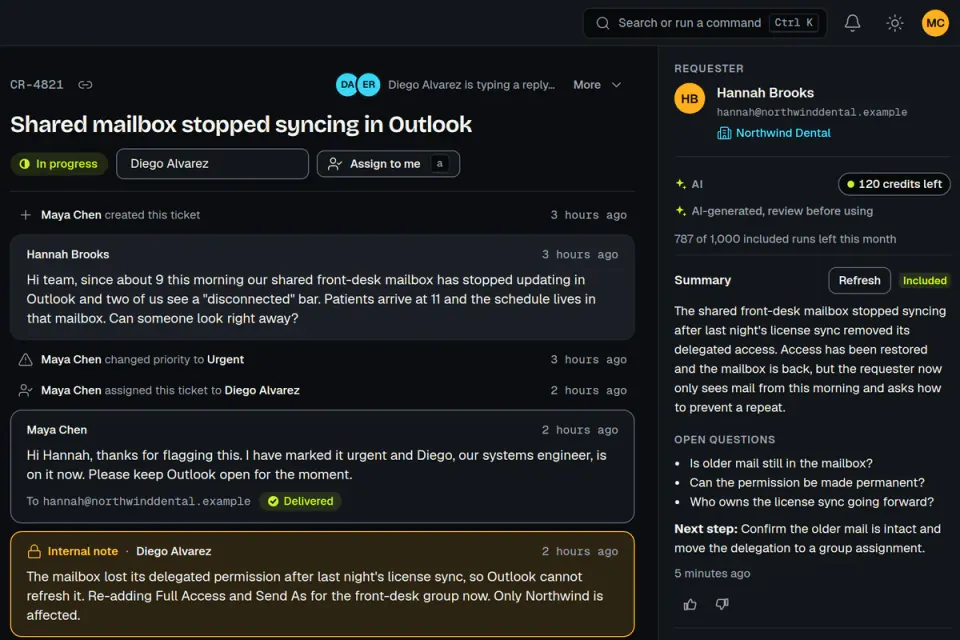
- You can see who else has the ticket open and who is typing a reply, and you get a warning if a new reply arrives while you write.
- AI summaries and drafts are marked as AI. A draft goes out only when a person sends it.
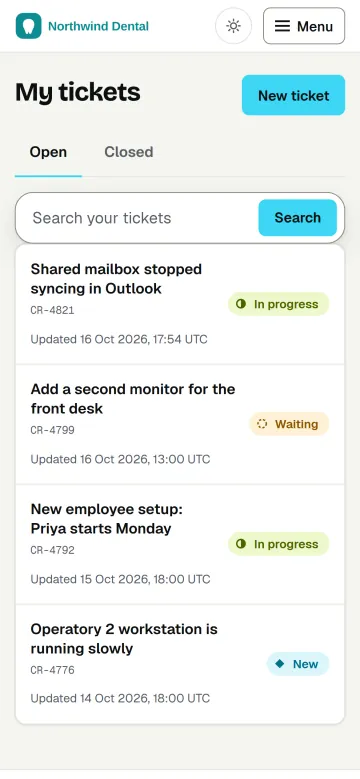
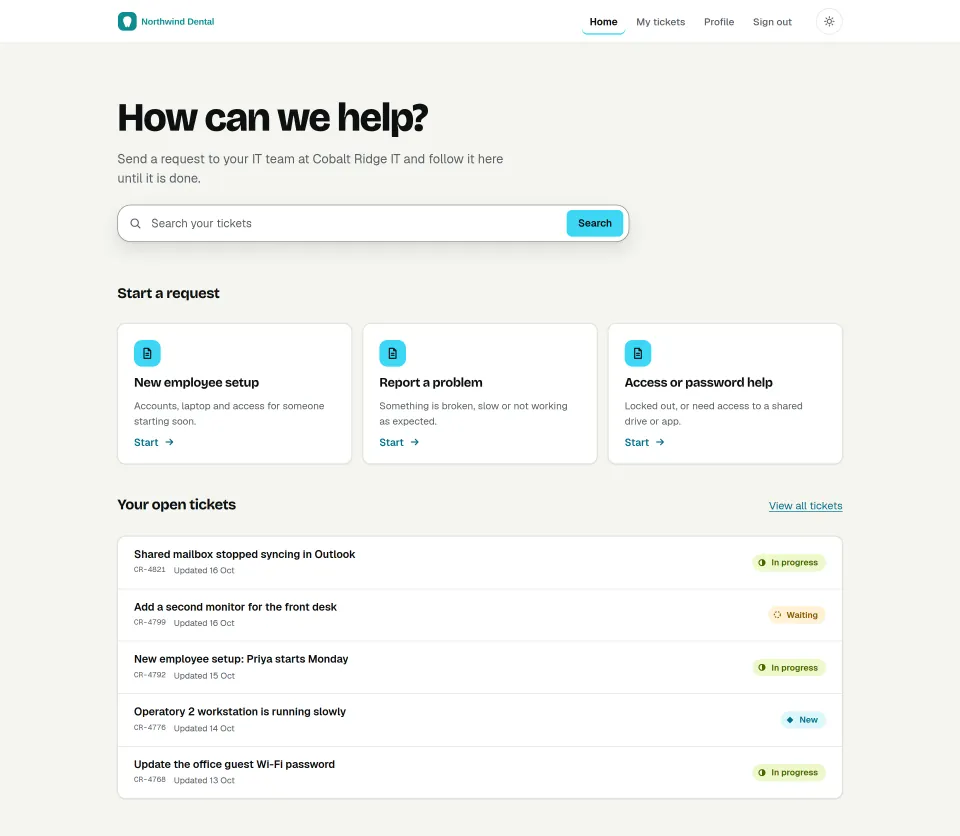
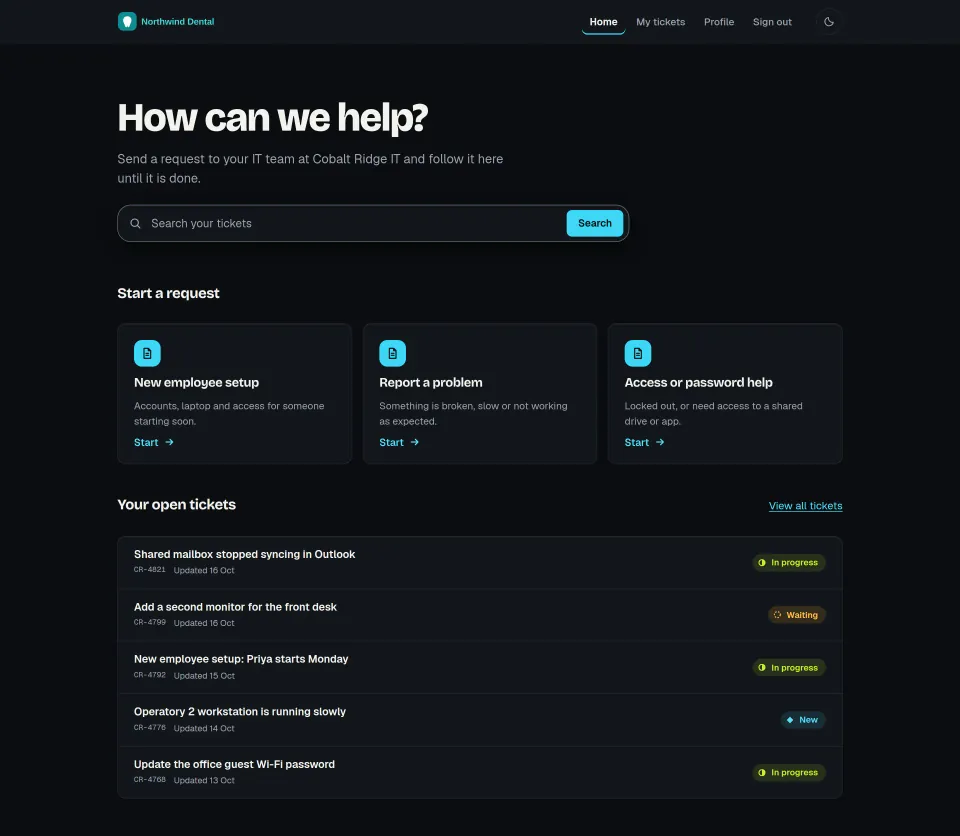
Clients follow along in their own portal
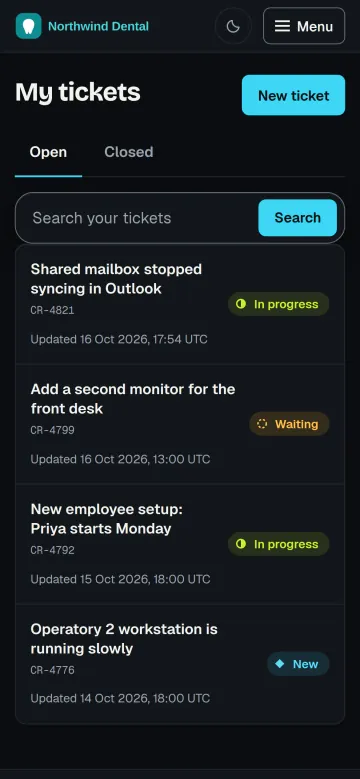
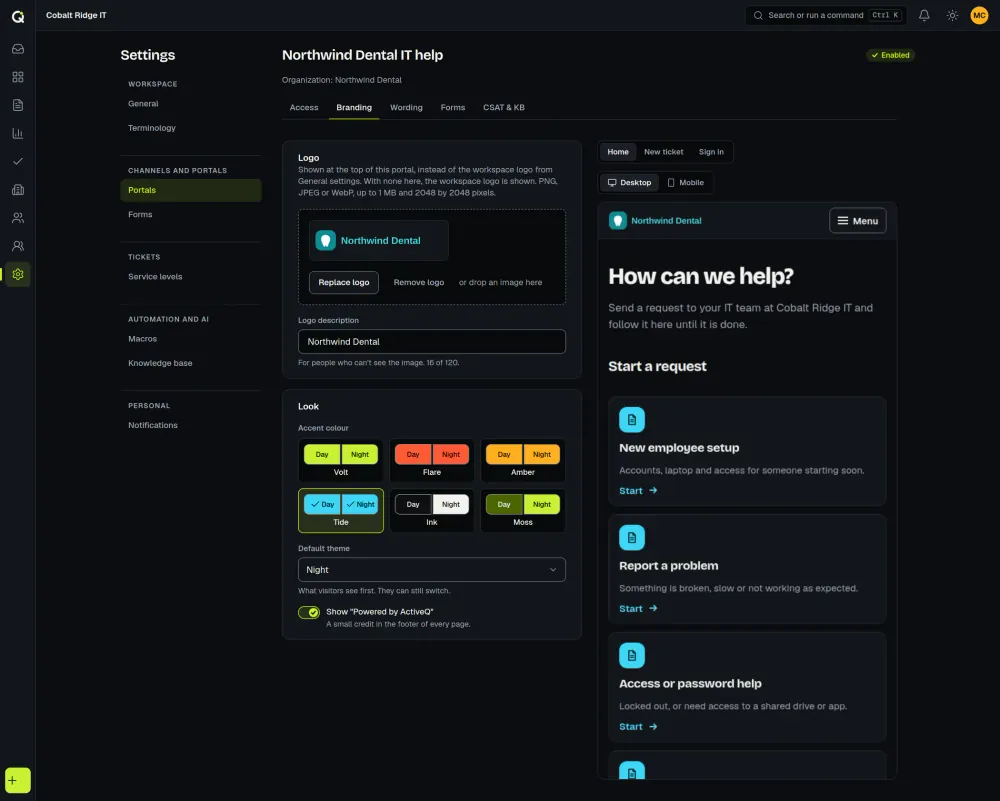
Each client has a portal with its own logo, colors and request forms, and it works on a phone as well as a computer.
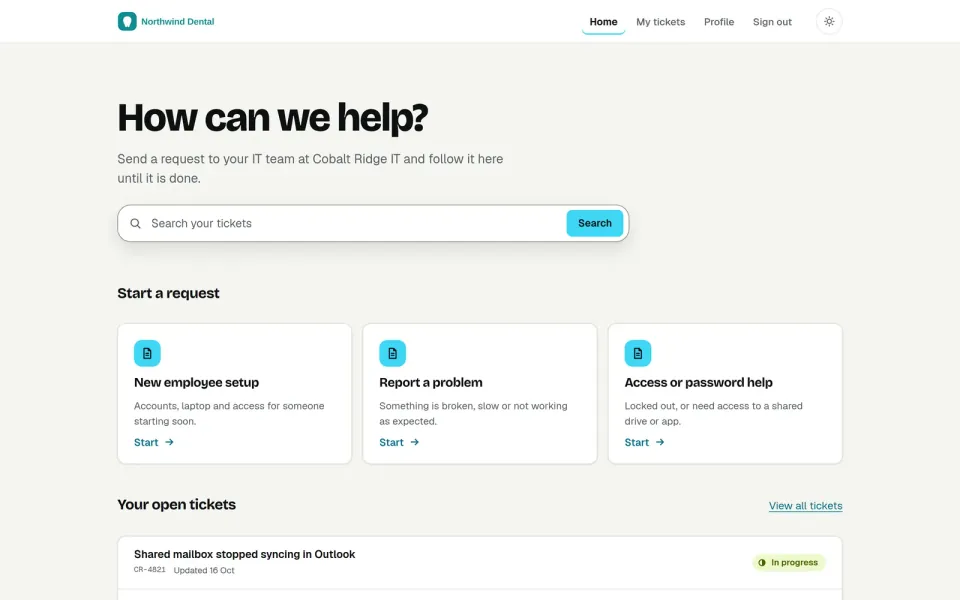
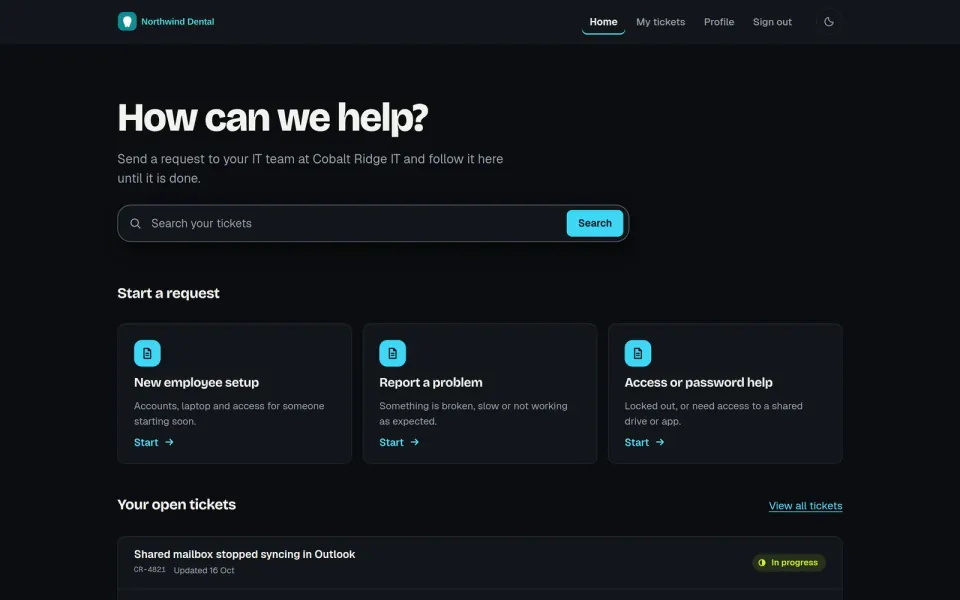
- Clients see where each request stands and reply there, instead of emailing for an update.
- You pick the sign-in method per client, from open to invite-only.
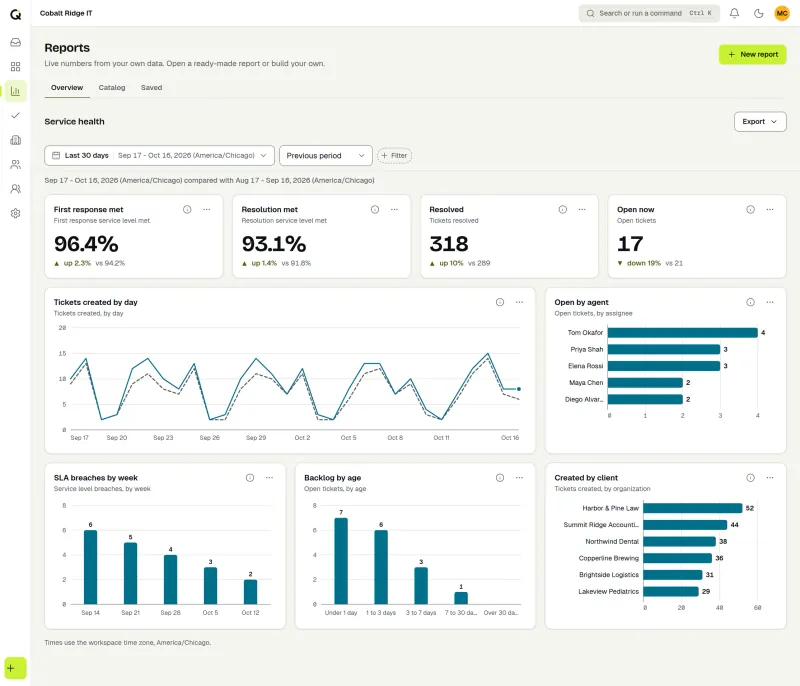
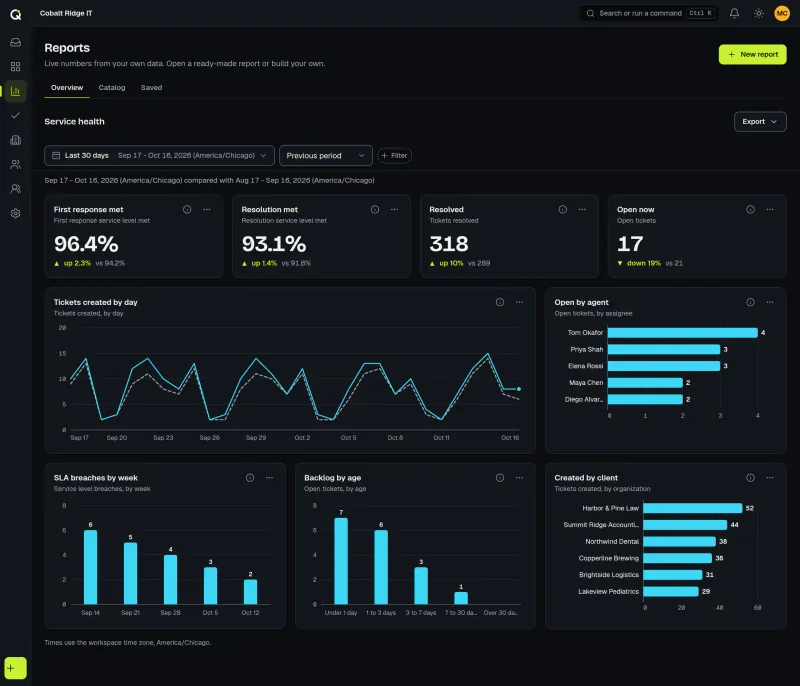
Know how the desk is performing
SLA performance, ticket volume and technician workload, each filterable by client. There are 19 ready-made reports and a builder with 30 metrics, with satisfaction results by technician and client, and anything you build exports to PNG, PDF or CSV.
See ReportsSee every feature, including the knowledge base and the AI tools.
AI assist only runs when someone clicks it.
It is optional, and it never sends anything on its own. A person reads every draft before it reaches a customer.
Press Suggest and you get a suggested category, priority, sentiment and language to accept or change. Press Summarise and a long thread gets a short recap at the top, so whoever picks it up knows what happened. A reply draft lands in the reply box and waits there until a person sends it, and a translation shows up under the original message.
Paid workspaces include 1,000 AI runs a month (fair use), and reply and help-article drafts use credits. AI output can be wrong, so check it before you send it. We do not train AI models on your workspace content. How AI assist works and what it costs
Tickets come in by email or the portal.
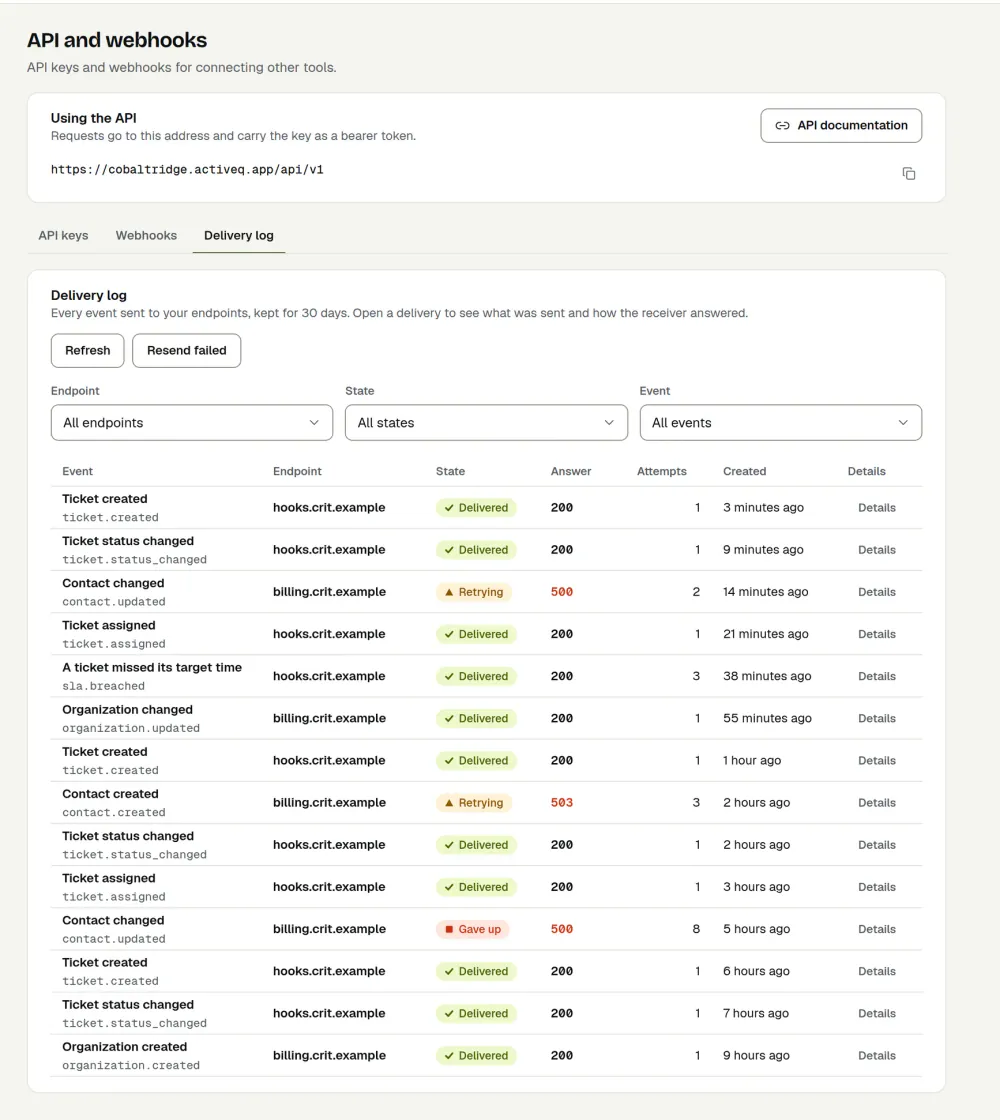
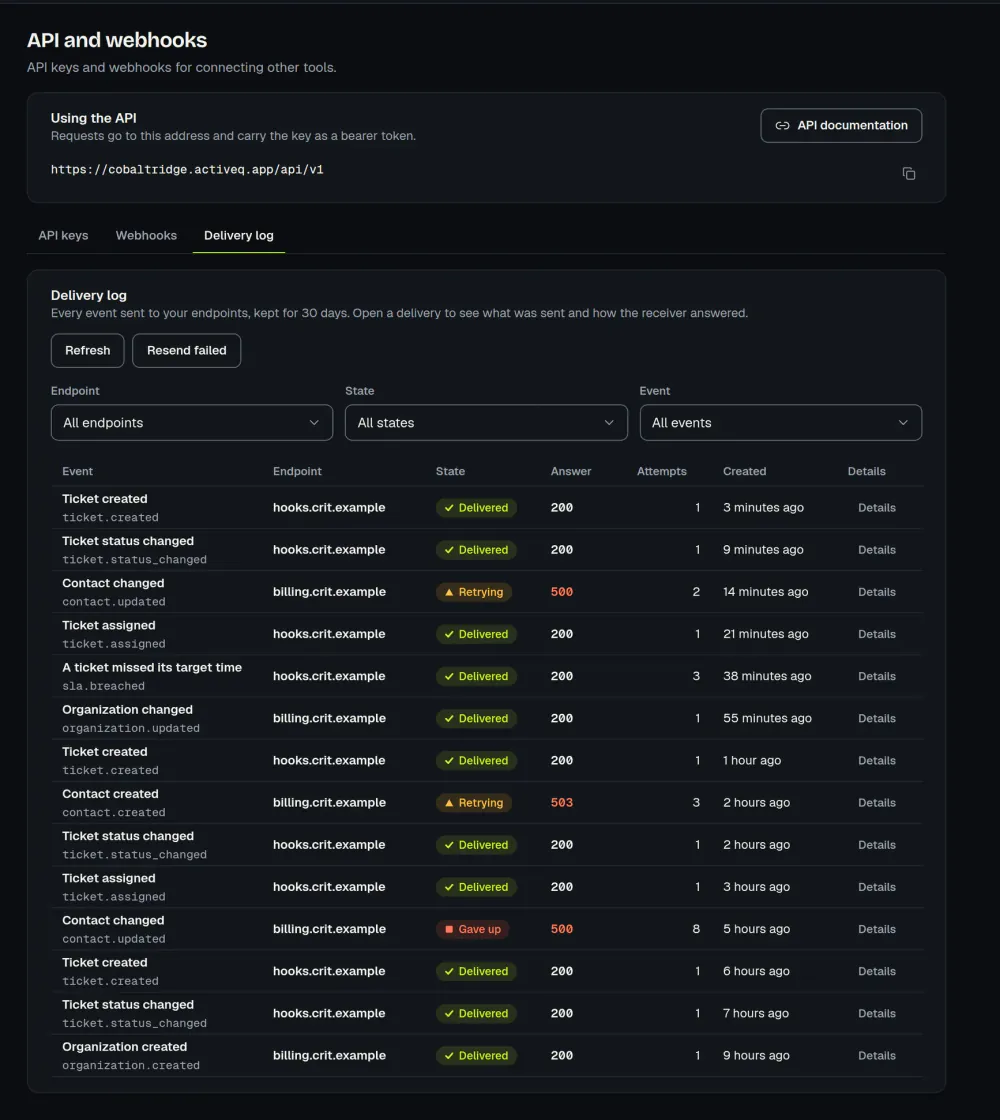
Webhooks and the API send them on to your other tools. API keys act with the role you choose, and the API docs are public. Webhooks are signed, with a delivery log and a resend button. You can also import contacts and organizations from a CSV file.
What you can configure.
Rename tickets to requests, cases or work orders, for the whole workspace or for one client. Give each client its own look and form, and choose how its people sign in: open with rate limits, email-verified, a magic link, a password, or invite-only. Write SLA targets, automation rules and saved replies once, and they apply everywhere you point them.
The knowledge base is private to your workspace, and nothing goes live without a review step. Articles can be for staff, for all organizations or for chosen organizations. The portal has a help center, and it suggests articles while people describe the problem.
Your data, and who can touch it.
Custom roles and permissions control what each technician and each client user can see and do. An audit log records changes to tickets and settings, and each workspace’s data is separated at the database. Owners can switch AI off for the whole workspace or for one feature. These controls are in place today. See what we do today.
$79.99 a month for up to 3 agents. Clients are free.
You pay for the people who work tickets. Clients, contacts and portal users cost nothing, however many you have.
- ✓$79.99 a month for 1 to 3 agents
- ✓$149.99 a month for 4 to 8 agents
- ✓From the 9th agent on, +$19.99 a month each
Billing is monthly. The 14-day trial has every feature and doesn’t ask for a card, and there is no permanent free tier. AI assist is included, with monthly runs. Sign-up and billing are for businesses in the United States.
Guides and comparisons
The guides are written for people running a help desk. Each comparison is dated and says where the other product may fit you better.
Questions people ask
Something missing? Contact us.
Sign up at app.activeq.app. The 14 days include every feature, and there is no card to enter. Sign-up is open to businesses in the United States.
IT teams answering employees, and MSPs answering their clients’ staff. One workspace can do both.
$79.99 a month covers 1 to 3 agents, and $149.99 covers 4 to 8. Every agent after the 8th adds $19.99, with no further steps, so 9 agents cost $169.98 a month, 15 cost $289.92 and 20 cost $389.87. Customers, contacts and portal users are free. There is no permanent free tier.
Only when a staff member clicks. It can draft a reply, summarize a thread, suggest a category, priority, sentiment and language, or translate a message. Nothing runs automatically, customers never see AI buttons, and a person reviews every result before it is used. Each workspace gets included AI runs (fair use) for summaries, triage, translation, polish and resolution notes: 200 during the trial and 1,000 per month once paid. Reply drafts and help-article drafts use credits instead, and the trial also includes 50 free credits. Failed or refused runs are refunded automatically, and owners can buy more credits as a one-time pack. The text is sent to Anthropic with common personal details such as emails, phone numbers written with separators, and card numbers redacted on a best-effort basis (see our Privacy Policy). We do not train AI models on workspace content. AI output may be inaccurate and is not legal or professional advice, so review it before sending. Owners can switch AI off for the whole workspace or per feature.
Yes. There are 19 ready-made reports for SLA performance, backlog, workload by technician, satisfaction and more, plus a builder with 30 metrics. Save a report, share it with your workspace, or export it as a PNG graphic, a PDF or a CSV file. Each person sees numbers only for the tickets they can open.
Two: the customer portal and email. Other tools connect through the open API and signed webhooks, or through Zapier (invite-link app), which is in beta.
Incidents, requests, approvals and tasks, with problem and change as ticket types you link to other tickets. It is light ITSM rather than a full suite with asset management or a CMDB. See what ActiveQ covers and what it doesn’t.
Contacts and organizations, yes, from a CSV file. Tickets from your old tool are not imported, so they stay where they are.
For now, businesses in the United States. Sign-up and billing are US-only, but people anywhere can use a portal that a business has set up.
In the United States: the database is hosted on AWS US East (N. Virginia). The website and app run on Cloudflare’s global network, so requests and files may be handled in other countries too. The Privacy Policy lists our service providers and where they process data.
Start your free trial.
14 days, every feature, no card. Sign-up is for US businesses.