Business-hours SLA math: how to compute due times
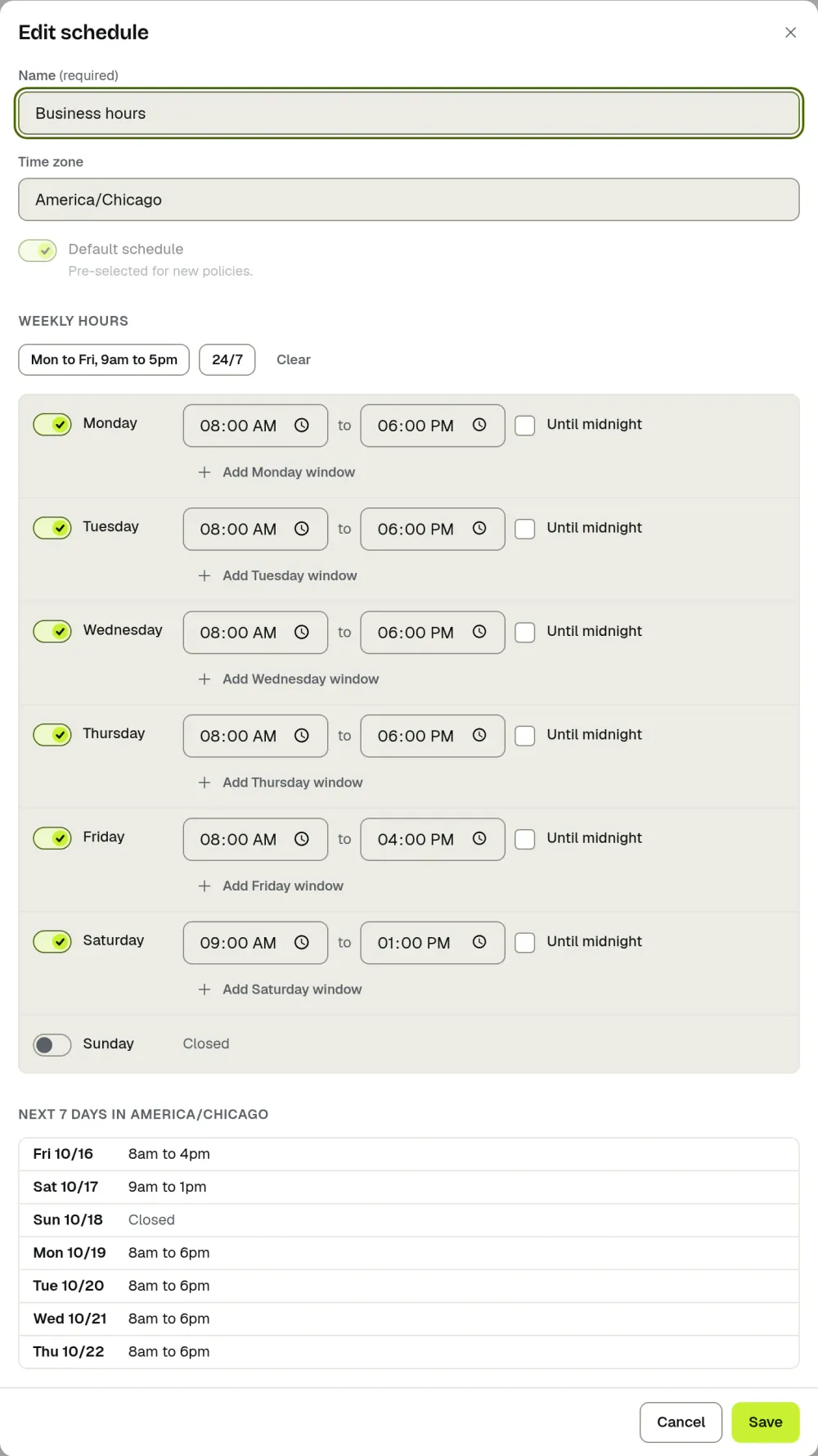
A business-hours SLA only counts the hours a team is open, so the due time is found by walking forward through open windows until the target is used up. A request that arrives while the team is closed starts counting at the next opening time.
The rule in four steps
- Find the start. If the request arrives inside an open window, the clock starts now. If it arrives outside one, the clock starts at the next opening time.
- Spend the target. Subtract the time left in today’s window from the target.
- Roll to the next open window. Skip closed days, weekends and holidays, and subtract the next window in the same way.
- Stop when the target is used up. That moment is the due time.
The schedule is defined in one time zone. Convert the arrival time into that zone first, then apply the steps.
Worked examples
All examples use open hours of 9:00 am to 5:00 pm, Monday to Friday, with no lunch break.
| Arrives | Target | Due | Why |
|---|---|---|---|
| Tuesday 10:00 am | 2 business hours | Tuesday 12:00 pm | Inside the window, so the two hours run straight through. |
| Friday 4:30 pm | 4 business hours | Monday 12:30 pm | 30 minutes remain on Friday, leaving 3 hours 30 minutes from Monday 9:00 am. |
| Saturday 11:00 am | 1 business hour | Monday 10:00 am | The clock starts at the next opening time, Monday 9:00 am. |
| Wednesday 6:00 pm | 8 business hours | Thursday 5:00 pm | The clock starts Thursday 9:00 am and uses the whole 8-hour window. |
| Thursday 3:00 pm | 12 business hours | Monday 11:00 am | 2 hours on Thursday, 8 on Friday, leaving 2 hours on Monday (a weekend is skipped). |
You can check your own numbers with the SLA calculator, which runs in your browser.
Holidays and time zones
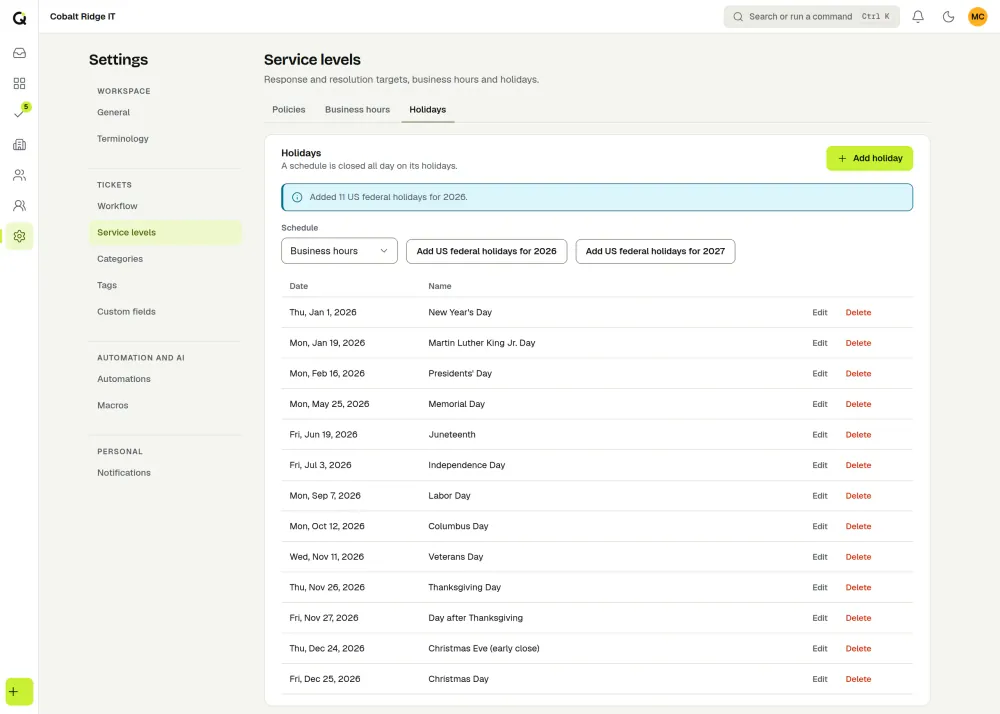
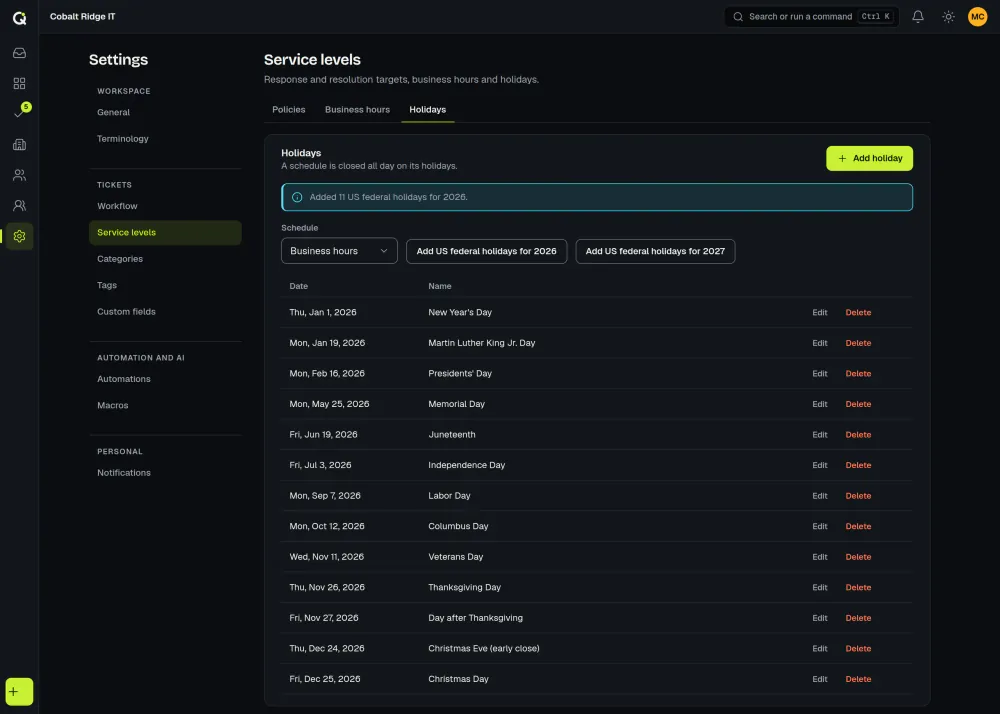
A holiday is a day on which the schedule is closed all day, so the walk skips it exactly as it skips a weekend. If a target would end on a closed day, it moves to the next open window.
Clients in other time zones are the usual source of disputes. Agree in writing which zone the schedule uses. A 9 to 5 schedule in Central time is a different set of hours for a client on the US East Coast, and the due time shown to them should be converted from the schedule’s zone.
Paused clocks
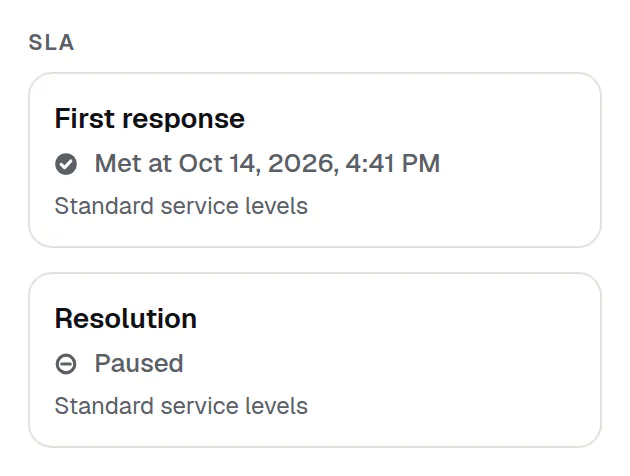
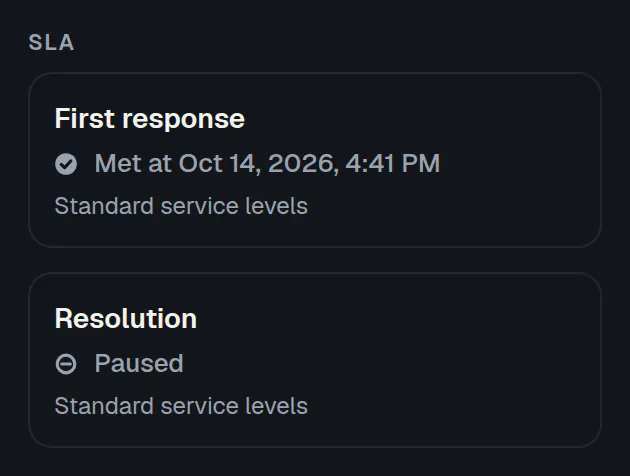
A pause stops the count while the next move belongs to someone else, for example while you wait for the requester. Time spent paused is not subtracted from the target, and the due time moves later by the open time that passed during the pause. Decide which statuses pause the clock before you publish an SLA. See the IT SLA guide for the pause rules most teams use.
Calendar hours versus business hours
Calendar hours count every hour of every day, so a 4-hour target always lands exactly 4 hours later. Many teams use calendar hours for urgent incidents and business hours for everything else. Calendar hours only help when someone is available to act outside the open hours. The terms are defined in the glossary.
In ActiveQ
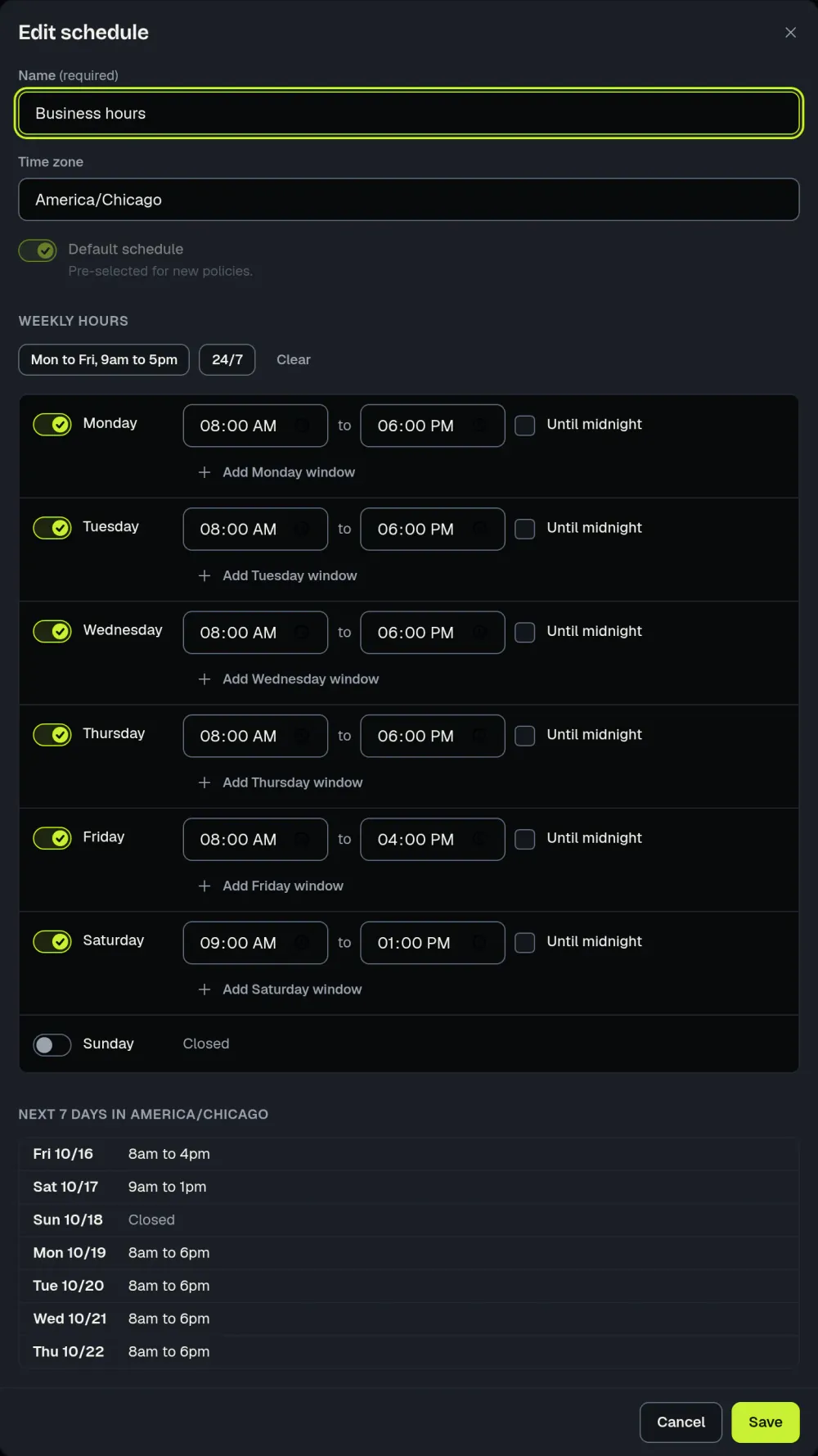
A business hours schedule has a time zone, weekly windows and holidays, and a service level policy can use it or use calendar hours. A status can be marked “Pauses SLA”. Each ticket shows a countdown to its due time. The SLA management page shows the setup, and the SLA reports in Reports count business-hours response and resolution times.