Help desk ticket lifecycle and statuses
A ticket moves from created, to being worked, to waiting on someone, to resolved and finally closed. A small set of clearly defined statuses is enough, and the most important decision is which of them pause the SLA clock.
The lifecycle
- Created: A request arrives by email or from a portal form and becomes a ticket with a requester, a subject and a time.
- Triaged: Someone sets its type, priority and owner. See the triage guide.
- Worked: The assignee investigates and replies, and may add internal notes that the requester does not see.
- Waiting: The next move belongs to someone else: the requester, a vendor or another team.
- Resolved: The assignee believes the problem is fixed or the request is delivered, and tells the requester.
- Closed: The ticket is finished and read-only in spirit. It stays searchable as history.
Common statuses and what they mean
| Status | Meaning | Should it pause the SLA? |
|---|---|---|
| New | Arrived and not yet picked up. | No. The first response clock is running. |
| Open | Someone on the team is working on it. | No. |
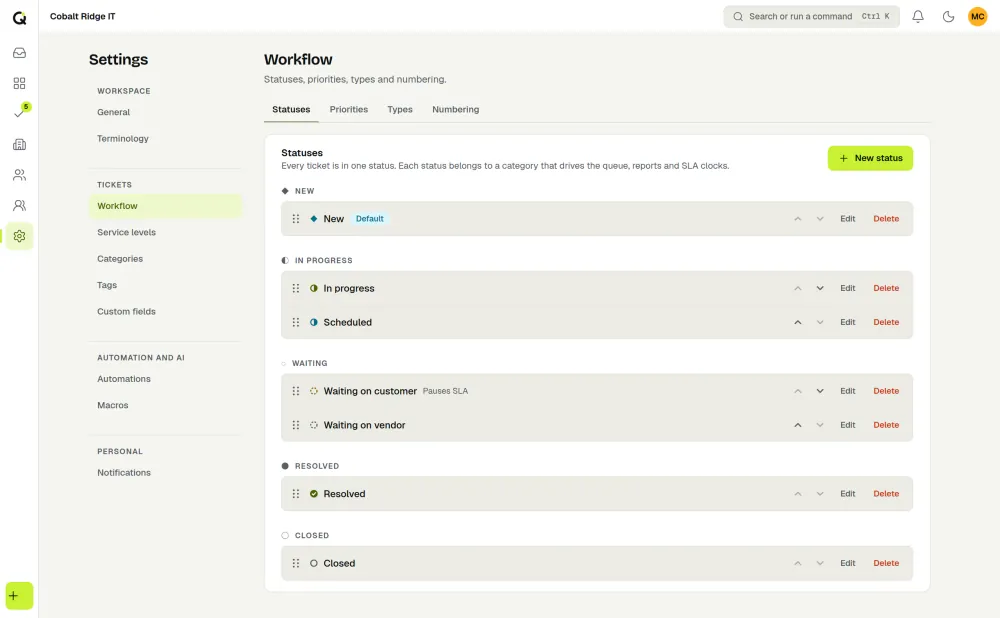
| Waiting on customer | The team needs information or confirmation from the requester. | Usually yes. |
| Waiting on third party | A vendor or outside team holds the next move. | A policy choice. Many teams do not pause, because the requester still has an unresolved problem. |
| Resolved | The fix or delivery is done and the requester has been told. | The resolution clock stops here. |
| Closed | Finished. No further work expected. | Not applicable. |
Rules that keep statuses useful
- Keep the list short. Every extra status is another decision for every technician. Five or six is plenty for a small team.
- One status per owner of the next move. A status should say who must act next. “In progress” and “pending” are vague.
- Write down the pause rule. Without it, two technicians will treat the same wait differently and the measures stop being comparable.
- Decide how reopening works. A reply after resolution should normally bring the ticket back to the team. Count reopened tickets, since many reopens suggest tickets are being resolved too early.
- Close on a rule, not on a hunch. For example, close a resolved ticket after a fixed number of days with no reply from the requester.
In ActiveQ
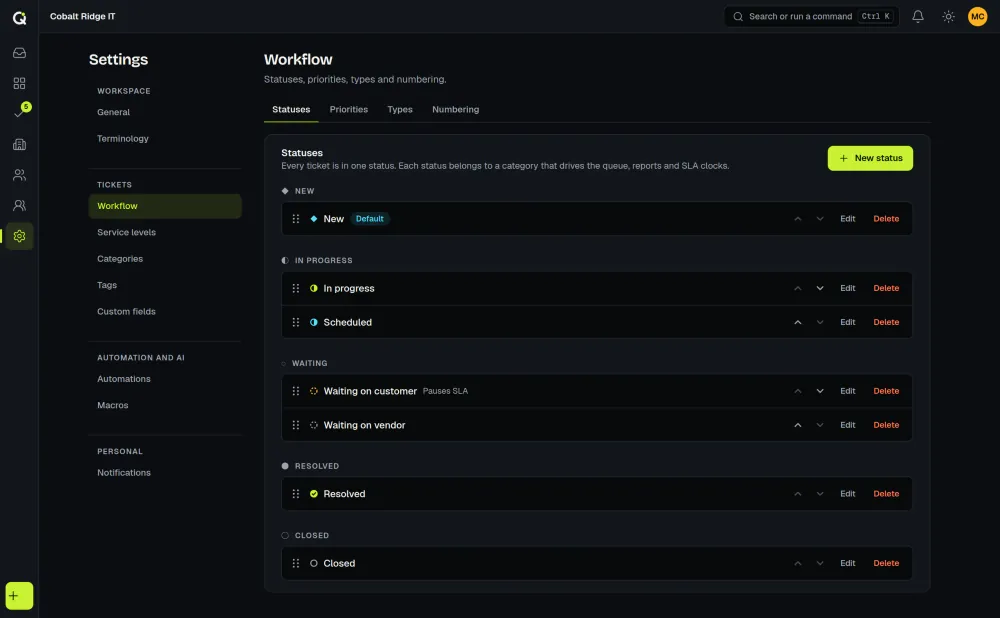
A new workspace starts with the statuses New, Open, Waiting on customer, Resolved and Closed. You can rename and add statuses in Settings, then Workflow, and mark any status as “Pauses SLA”. How the countdown uses that is covered in business-hours SLA math and the IT SLA guide.